


Photos / Graphics Soft.
Hi,
I got this error message (see screenshot below) when I exported images from a catalog using Lightroom. The catalog contains hundreds of images and it would be difficult to look for corrupted images which one site recommended doing.
Anyway, experts here might help me find an easier way to resolve the problem.
Please help!
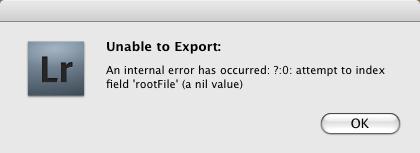
Error:
LR
Unable to Export:
An internal error has occurred: ?:0: attempt to index field ‘rootFile’ (a nil value)

- 2204 views
- 1 answers
- 0 votes
Hi,
I was using LightRoom for the first time to process my photo images when I got this error message, see below.
I have searched the web and found a lot but confusing resolutions.
Can anyone from this site guide me on how to resolve the said problem?
I hope you can give me a step by step procedure.
Thanks.
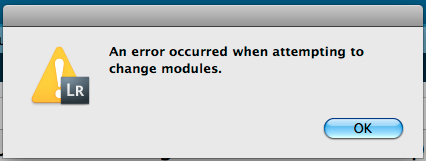
LR
An error occurred when attempting to change modules.

- 1304 views
- 3 answers
- 0 votes
Hi,
I was using Autodesk Inventory on my Win XP.
I was trying to place a component into my Content Center when this error message displayed on my screen (see below). I knew I was the only one using this component and wondered why this happened.
I saw a website about deleting the cache but I seem can’t find it.
Please help.
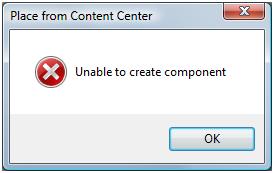
Place from Content Center
Unable to create component

- 3660 views
- 2 answers
- 0 votes
Hi,
I was installing updates of Corel Paint Shop Pro Photo X2 when this error happened.
I tried following what was recommended on a certain website by looking up Task Manager and looking for a certain service but I couldn’t find it.
Also, I tried re-installing but the same thing happened.
Please help me, anyone!
Thanks.
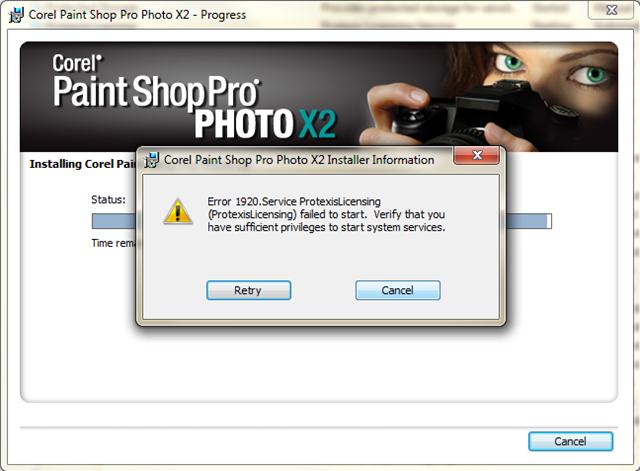
Corel Paint Shop Pro Photo X2 Installer Information
Error 1920. Service ProtexisLicensing

- 3300 views
- 2 answers
- 1 votes
I was installing Corel Paint Shop Pro X on my Vista when this error displayed on my screen, see below. I tried re-installing the software but the same thing happened. I really don’t know where to look for the resolution so I want to ask the experts from this site instead.
Please help me! I need the software badly. Thanks.
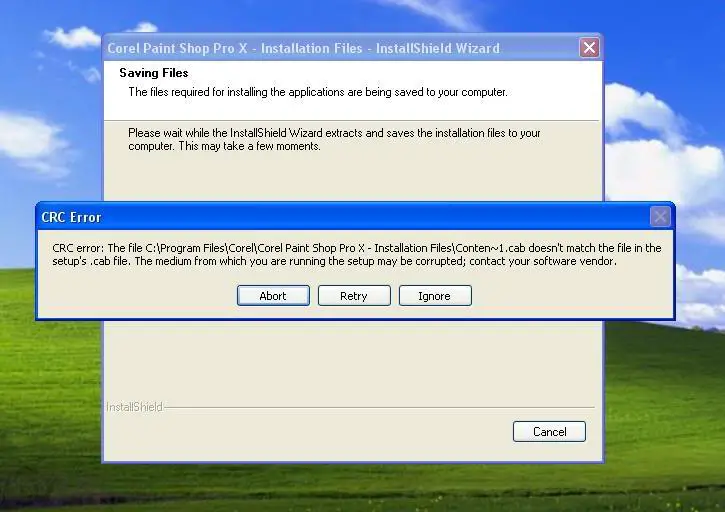
CRC Error

- 1758 views
- 2 answers
- 0 votes
Hello Experts!
I was using Autodesk Revit Architecture and importing my ‘autocad’ files when I got this error message (see below). I wasn’t sure about the numerical data in my files. Anyway, I have searched the web and did not find any possible resolutions to the problem. I turned to this forum trusting that experts would know the resolution. Anyone, please? Thanks.

Revit
Some numerical data within the imported file was out of range. This numerical data been truncated.

- 4618 views
- 1 answers
- 0 votes
Hello Gurus,
I was installing Autodesk Inventor 2011 on Vista when this error happened, see the error message below.
I clicked the link and tried to follow the stated resolution but still the same error happened after reinstallation.
I may have missed something. Anyone here who can guide me and resolve the problem?
Thanks.

Autodesk Inventor 2011

- 1091 views
- 1 answers
- 0 votes
Hi,
I was using Autodesk Revit Architecture 2012 when I got this error message (see below).
I was trying to copy a selection of drawings when the error happened. I have searched the web, but no one has yet encountered such problem so this site might provide me or help me find a solution.
Thanks in advance.
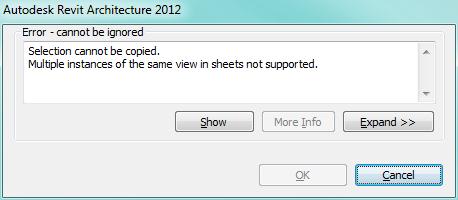
Autodesk Revit Architecture 2012
Error – cannot be ignored
Selection cannot be copied.
Multiple instances of the same view in sheets not supported.

- 2094 views
- 1 answers
- 0 votes
Hi Experts,
I was re-installing Autodesk Inventor 2011 on Win 7 when I got this error message, see below.
It seems strange because there was no error code number unlike one (1) blog I saw in the web so I wasn’t sure if the stated resolution was applicable to me.
Anyway, experts from this site might help me. Thanks.
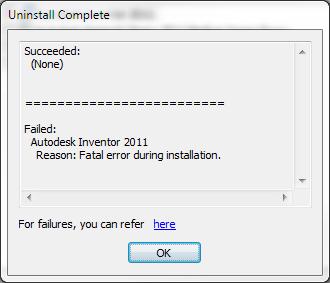
Uninstall Complete
Succeeded:
(None)
====================================
Failed:
Autodesk Inventor 2011

- 1480 views
- 1 answers
- 0 votes
Hi,
I am using Lightroom for my photos and I normally catalog these images to be organized.
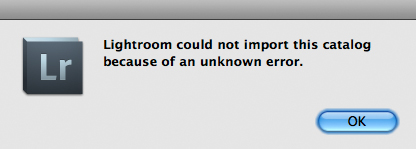
I tried importing two (2) catalogs into one (1) when I got this error message, see screenshot below.
Well, I have just upgraded from version 2 to 3 and I did not experience this when I used version 2 to catalog my images.
It was just a simple import so I may have not missed anything.
You guys here might help me and show me what’s causing the problem.
Thanks in advance.

- 1245 views
- 1 answers
- 0 votes
Latest Articles

Top 7 Tech Features That Make Online Games Addictive (In A Good Way)

Tiny Systems That Make Apps Stick

Free cloud mining is coming! RICH Miner launches mobile mining, everyone can earn cryptocurrencies
Latest Blogs

Top 10 New Laptop Entrants That Shook The Public

10 Facts About The Dark Web

Top 10 Latest Steam Cleaner Machines
Latest Tips

Top 10 Internet Monitoring Software

Top 10 Best Partition Manager Software
