VMware workstation error on Windows 7
Asked By
10 points
N/A
Posted on - 08/09/2011

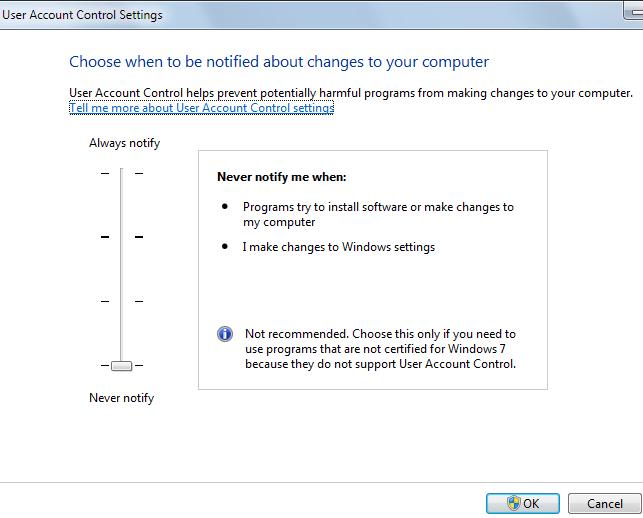
I installed VMware Workstation version 7.2 under Windows 7 and installed XP and Vista on it. Until then, I haven’t used VM’s. I updated my Windows 7 through windows update and then when I tried launching VMware Workstation and power on one of my VMs I got an error message.
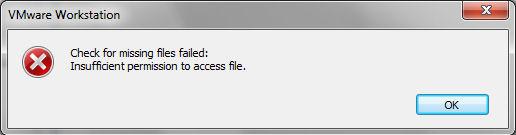
“Insufficient permission to access file” I made so many changes on my computer so I cannot use the system restore. I am still seeking for the solution that will aid me to solve this problem. If anyone can help me with this would gladly be appreciated.
Thanks.