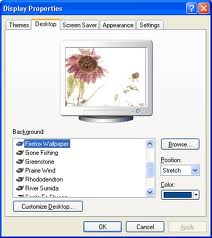
How to remove the background image from the Backgrounds list of “Display Properties” window.
I'm using Windows XP on my system and I really don't have any clear idea how “Internet Explorer Wallpaper” named background item is added to the Backgrounds list. Furthermore, I am unable to remove it from the list as there is no such option to click on or select. Please help me out on this. Thanks.

- Login or Signup Now to post comments

Dear Ashley-Bila,
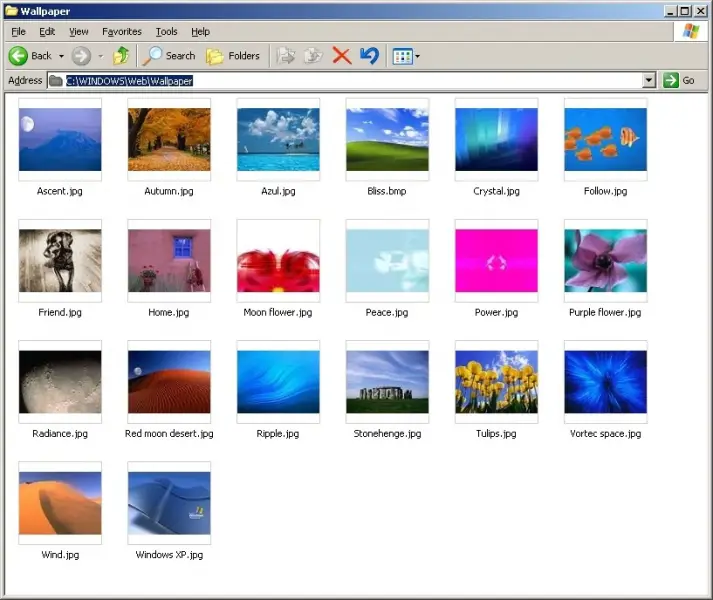
The list of Backgound image from Display Propertise is removeable. But it's not that simple, its not like select and delete from that list. It's a kind of of indirect action. The list of Background image contained by some stored picture from different directory of the HDD, to get rid of anyone image from that list, you need to know the directory. Here is the idea :
*** Go to the directory and Delete the image.
** Some default images directory : System32\web\wallpaper ( it may vary for different version of windows ) , Userprofile\mydocuments\mypicture ( My picture folder under My Documents )