


Windows PowerShell is not installed. To continue, please install
Asked By
10 points
N/A
Posted on - 08/15/2011

I am totally at loss and not sure how to continue after this error message.
I am trying to install Microsoft SQL server 2008 on one of my Windows 2003 server. The installation runs up to a level with all green checks but when it comes to Windows PowerShell it has a red check mark and says its failed.
When I click on the link which says failed I get the following error .
Please help me on this.
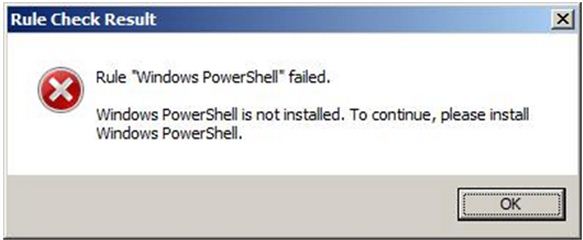
Rule Check Result
Rule “Windows PowerShell” Failed.
Windows PowerShell is not installed. To continue, please install
Windows PowerShell.













