


Archive
Hi,
During the install of Kaspersky Security 8.0 for Microsoft Exchange Servers this error appears and if I click Retry the error appears again and also if I try to Ignore it the error reappears. The installer is downloaded from a trusted source and it should work. Does anyone have a solution for this error ? How can I solve this ?
Thank you !

Kaspersky Security 8.0 for Microsoft Exchange Servers
The InstallTransportAgentActionStep operation returned and error: Executing…”}” failed ExitCode: 1, Timeouted: False, Output: Install-TransportAgent: The TransportAgentFactory type “Transport.AgentFactories.RoutingFilterFact…
Cancel Retry Ignore
Read more
Hello,
My Internet connection is OK and is working just fine, but I have this downloading error. I tried to download many time and now I am sure the problem is not Internet connection. Any solution for this error please ? Why I am not able to make the downloads ?
Thank you !
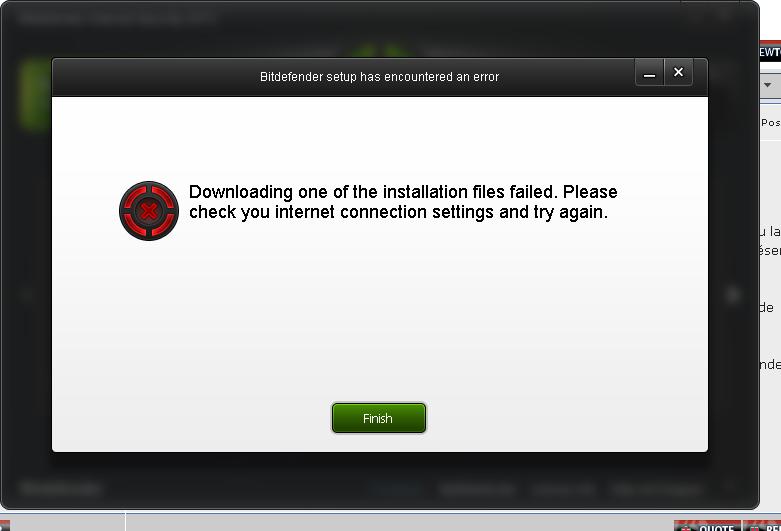
Downloading one of the installation files failed. Please check you internet connection settings and try again.
Finish
Read more
Hello experts,
During the install of Kaspersky I have this error and also the error is about an account that already exists. I have no idea about this and how can this be solved so can an expert help me please to fix this ? Why I cannot install the program since the installer is from a trusted source ?
Thank you !
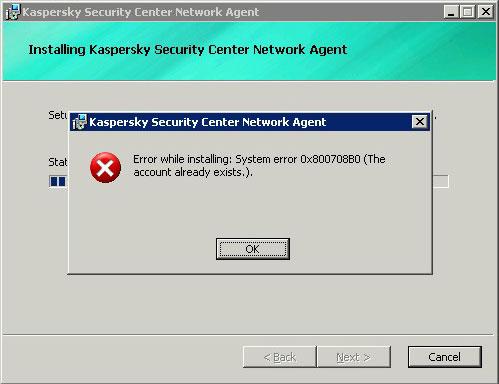
Kaspersky Security Center Network Agent
Error while installing: System error 0x800708B0 (The account already exists).
OK
Read more
Hi,
Can anyone help me with this error ? I don’t know why but it seems like my security protection is not activated and the program is unable to contact Trend Micro server. My Internet connection is working just fine but still. Any solution ?
Thank you !
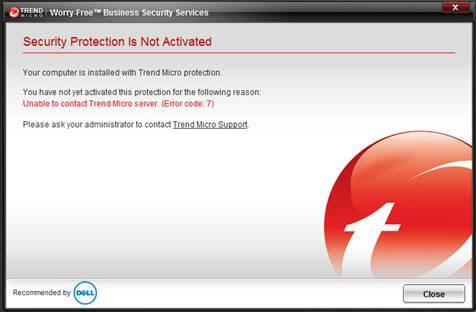
Micro Trend Worry Free Business Security Services
Security Protection is not activated
Your computer is installed with Trend Micro protection.
You have not yet activated this protection for the following reason:
Unable to contact Trend Micro sever. (Error code:7)
Please ask your administrator to contact Trend Micro Support.
Close
Read more
Hello,
I have this weird error from BitDefender. It says that my license has expired on Wednesday, December 31, 1969 7:00:00 PM. I am a bit confused and until now I didn’t find any solution. Can any expert help me please to fix this ? My license expires next year in 2015.
Thank you !
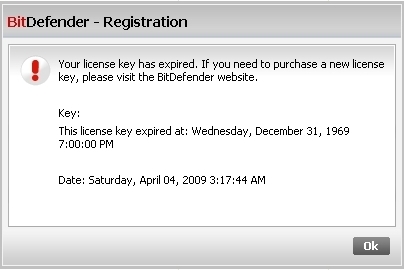
BitDefender – Registration
Your license key has expired. If you need to purchase a new license key, please visit BitDefender website.
Key:
This license key expired at: Wednesday, December 31, 1969 7:00:00 PM
Date: Saturday, April 04, 2009 #:17:44 AM
OK
Read more
Hello,
This morning I found in Event Properties this long error and I have no clue about this. My PC is working just fine and I think that this error it might not affect anything, but still. Can anyone tell me more about this ? What it’s means and is harming my PC ?
Thank you !
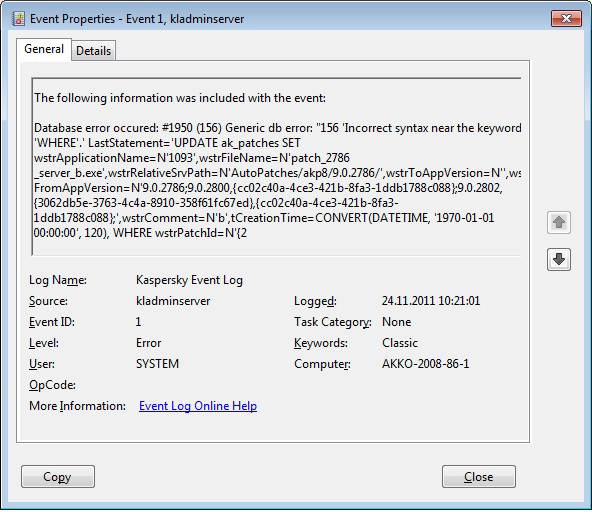
The following information was included with the event:
Database error occurred: #1950 (156) Generic db error: “156 ‘Incorrect syntax near the keyword ‘WHERE’.’LastStatement=’UPDATE ak_patches SET wstrApplicationName=N’1093’,wstrFileName=N’patch_2786_server_b.exe’,wstrRelativeSrvPath=N’AutoPatches/akp8/9.0.2786/’,wstrToAppVersion=M’wstrFromAPPVersion=M’9.0.2786;9.0.2800,{cc02c40a-4ce3-421b-8fa3-1ddb1788c088};wstrCOmment=N’b,tCreationTime=CONVERT(DATETIME,’1970-01-01 00:00:00’,120),WHEREwstrPatchId=M’{2
Read more
Hi,
I cannot update my antivirus BitDefender for my laptop and I am tired of this error. Also I have mailed to the support and I didn’t receive an answer, and I don’t think I will. My Internet connection is working just fine and I don’t know from where this error comes. Any solution ? How can I make the updates ?
Thank you !
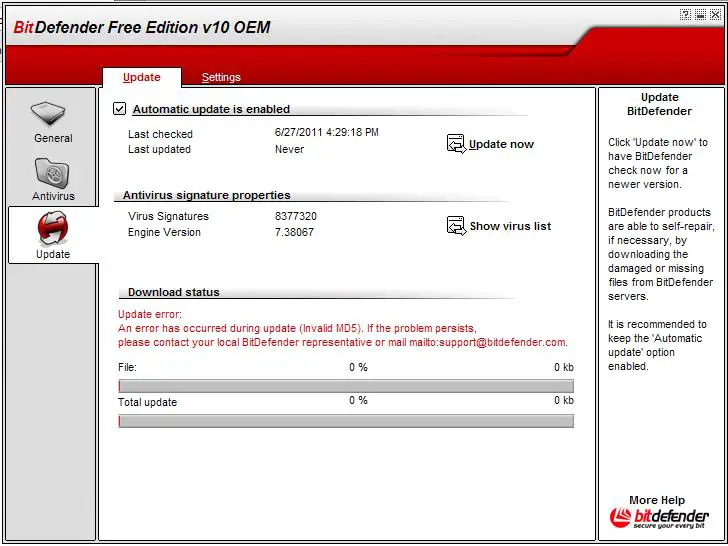
BitDefender Free Edition v10 OEM
Download status
Update error:
An error has occurred during update (Invalid MD5). If the problem persists, please contact your local BitDefender representative or mail mailto:[email protected]
Read more
Hi,
Every time I try to open the OSCE web console and I have checked the address “C:Program Files (x86)Trend MicroOffice ScanPCCSRVPLMDAL ComponentsDAL Filter64.dll and nothing seems to miss. Can anyone help me please to start OFFICESCAN ?
Thank you !
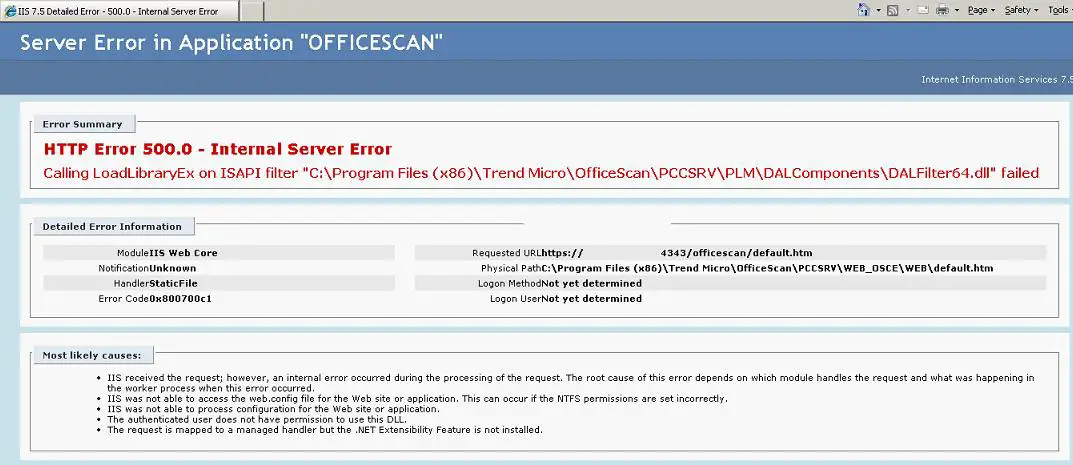
Server Error in Application “OFFICESCAN”
HTTP Error 500.0-Internal Server Error
Calling LoadLibraryEx on ISAPI filter “C:Program Files (x86)Trend MicroOffice ScanPCCSRVPLMDAL ComponentsDAL Filter64.dll” failed.
Read more
Hello,
My Internet connection is working just great and when I debug and run from inside Visual Studio without any error. But I have this error and I cannot pass it. Any help please ? How can I pass this one ?
Thank you experts !
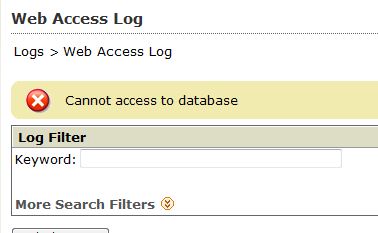
Web Access Log
Cannot access to database
Read more
Hello,
I have this message when I am trying to connect to work from home. I have the same antivirus on both PCs - Avast AV5. On my home PC I have this error and I cannot skip this. Any idea about this error ? How can this be solved ?
Thank you experts !
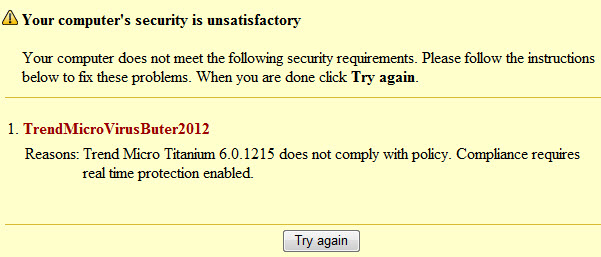
Your computer’s security is unsatisfactory
Your computer does not meet the following security requirements. Please follow the instructions below to fix these problems. When you are done click Try again.
TrendMicroVirusButer2012
Reason: TrendMicroTitanium 6.0.1215 does not comply with policy. Compliance requires real time protection enabled.
Try again
Read more
Latest Articles

Top 7 Tech Features That Make Online Games Addictive (In A Good Way)

Tiny Systems That Make Apps Stick

Free cloud mining is coming! RICH Miner launches mobile mining, everyone can earn cryptocurrencies
Latest Blogs

Top 10 New Laptop Entrants That Shook The Public

10 Facts About The Dark Web

Top 10 Latest Steam Cleaner Machines
Latest Tips

Top 10 Internet Monitoring Software

Top 10 Best Partition Manager Software
