Facing problem with changing font
Asked By
10 points
N/A
Posted on - 05/09/2012

This is really an MS issue and I wish someone out there would help me. I have created Unicode fonts with special characters in the Private Use area of the Unicode map. The fonts work well, and can be used in MS by inserting symbols, and selecting the characters.
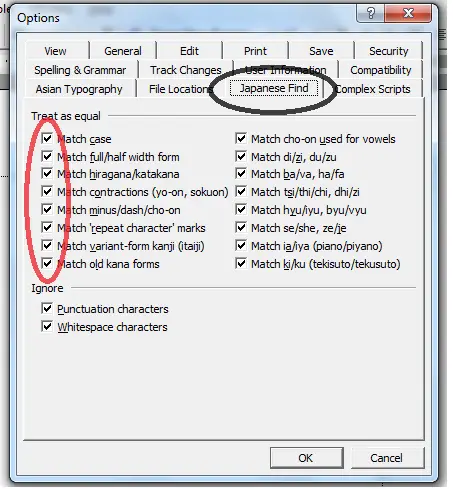
Moreover, when I create a keyboard, and try to type the characters from my keyboard, MS decides automatically that I am using Japanese and changes the font. I turned off the automatic language detection as per the help files but this did not change anything.
Has anyone else faced this after creating a font?
I need a bit help for him or anybody else.
Thanks in advance.