Application error after installing 2 PCI-6225
Asked By
10 points
N/A
Posted on - 05/10/2012

After installing 2 PCI-6225 on a single PC using NI-DAQmx drivers v. 8.5.0f5, the following error message showed up:
"Software error occurred in MIG software. Status Code: -229665."
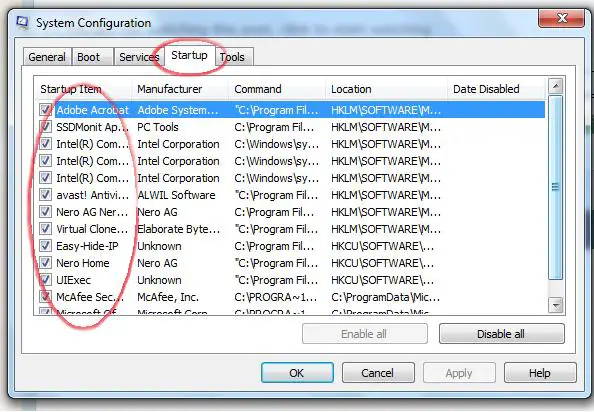
It is happening only when my application is placed in the Windows Startup folder. Normally this application runs by default at startup and if I start it manually after closing the application, no problems occur. I thought reinstalling the DAQmx drivers and the Measurement Studio for VS2005 will work, but it won’t.
It is really a problem if it always starts automatically when I start the system.
I am looking forward to hearing from you soon regarding this problem and possible solutions.