


Problem with communication between cellphone and PC

I need advice from someone please. On attempting to upgrade my phone I got the following error message (screenshot included):
“Problem with communication between cell phone and PC
Please disconnect the cable from your cell phone in order and remove and connect the battery. Power on your cell phone and press the Retry button to resume update”
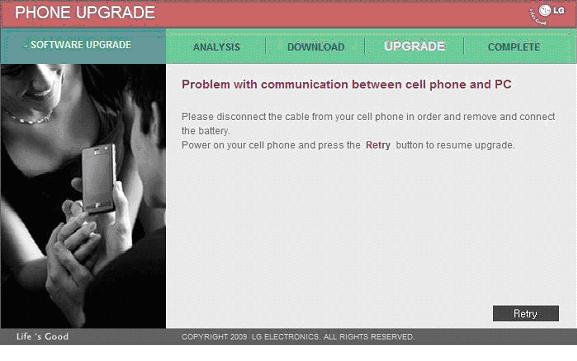
After following the directions(pop battery, retry, etc.) the process of connecting starts but cannot finish, with the error message popping up again. My phone is on 'usb data' mode, not 'sync music' mode, as should be.
The help menu indicates that there is some kind of LG USB Modem Driver for downloading, so I tried it but when I ran the installation, an error message appears:
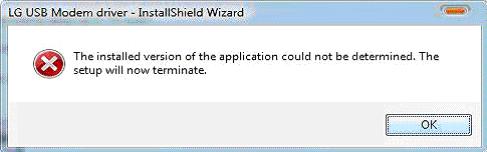
LG USB Modem driver – InstallShield Wizard
The installed version of the application could not be determined. The setup will now terminate.
OK
My OS is Windows Vista (32-bit)
I need to know if updating the firmware would erase my phone’s data, like my contacts. If it does, how do I back them up before upgrading?
Many thanks for the help!













