How To Know What Is My Graphics Card On Windows OS.
Asked By
0 points
N/A
Posted on - 01/15/2017

Guys I Want to play some high-end video games on my computer. But don’t know how to look for my GPU specifications so that I can install games accordingly. I am using Windows 10 OS. So can anyone tell me how to check what my graphics card on Windows OS is?

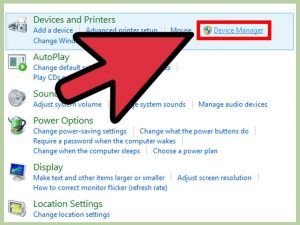 b) Now look for the graphic card installed in your PC under Display adapters entry.
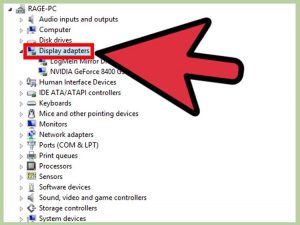 c) After which you can see the details of your graphic card by double clicking on it and after that on the details tab.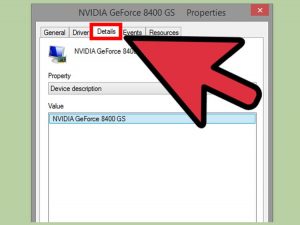
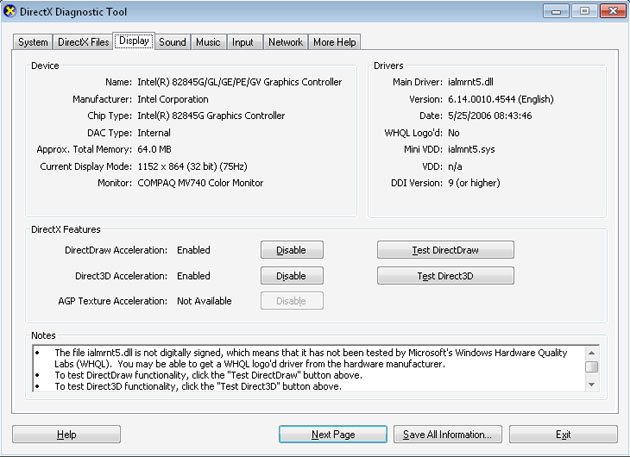
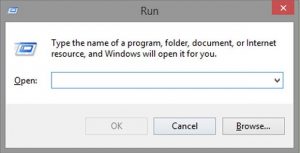 b) Now type “X diag” in the Run box and press enter.c) After some time the program will load up, and the diagnostics window will appear. Now go the Display menu at the top of the.
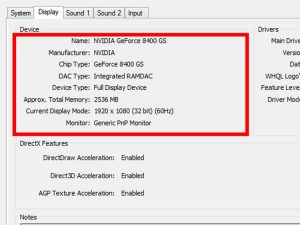
 d) Now you will see all the details of the active graphic card installed in your PC including chipset, manufacturer, memory, display mode, etc.