No of visitors who read this post: 424
Category: Windows OS
Type: Question
No votes yet

good day!

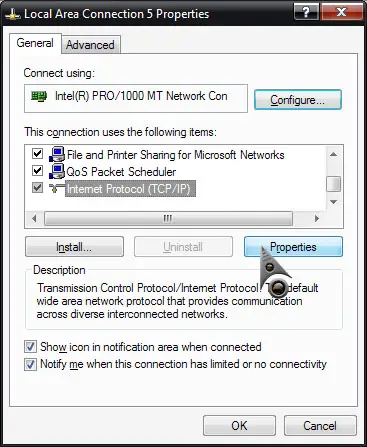
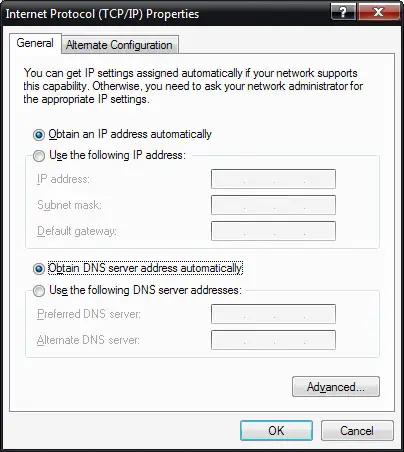
I cannot connect to the internet. when i checked the ip address on the DOS prompt, it says that my ip address is 169. I checked my network adapter and it says its working properly. I have another computer that can connect to the internet with the same modem/router that i am using. I would like to know What is the best solution when you get a 169 ip address on your computer?

Comment viewing options

Select your preferred way to display the comments and click "Save settings" to activate your changes.

#

Releasing the IP address
Open command prompt. Type the command “ipconfig /flushdns”. Then wait until it finishes the process. Then execute “ipconfig /release”, once it releases everything. Type “ipconfig /renew”.


Disabling the Ethernet Adapter

Disable and re enable the network adaptors so that IP will be assigned to your computer.
If it does not happen restart the computer and try the above steps again.
If even then the IP is not assigned to your computer.Restore your router to factory setting.

Check the Ethernet cable

Sometimes a bad Ethernet cable can cause your system to receive a 169 IP address, try changing out the cable for a new one.