


SharePoint Workspace cannot connect to specified sharepoint site
Asked By
20 points
N/A
Posted on - 08/21/2012

Hi Friends,
When my laptop resumes from sleep or hibernation mode I am unable to connect to my SharePoint site via Sharepoint 2010.Everytime I have to reboot the system to resolve the issue.It tried the following steps but all in vain
Opened SharePoint Workspace Launchbar > Right Clicked on synched website and clicked delete> Opened the browser,connected to sharepoint site and resynched again.
However while trying the above mentioned steps I get the error as shown below:
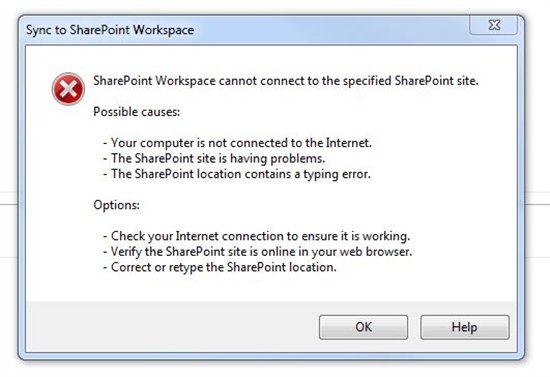
SharePoint Workspace cannot connect to specified Sharepoint site.
Possible Causes:
-Your computer is not connected to the Internet.
-The SharePoint site is having problems.
-The SharePoint location contains a typing error.
Options:
– Check your Internet connection to ensure it is working.
– Verify the SharePoint site is online in your web browser.
– Correct or retype the SharePoint location
This is pretty strange as I am able to connect to internet without any issues and the SharePoint site is definitely up.















