No of visitors who read this post:
251
Category:
MultiMedia Applications
Type:
Question
Author:
Tammy Haggard
Hi to everyone, I have an Intel i7 2600 computer that runs with the Window 7 64-bit OS. While working along with the 3D Max today, I decided to update the BSOD that was related to my video. I restarted the computer and from that, I started experiencing a problem with the 3D max which executed an error message of this sort:
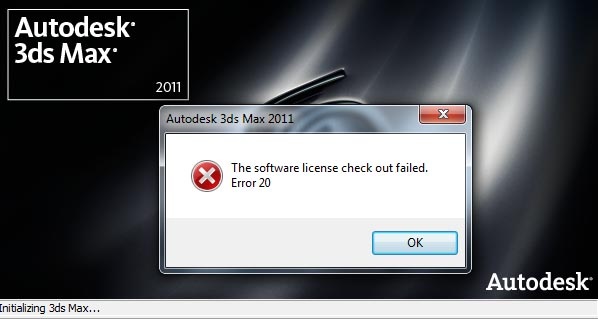
‘the software license check out failed. Error20.’
I cannot repair or uninstall it either, as it still executes another error message when I try installing it. How can I restore back to a functional 3D max?
Help please.

- Login or Signup Now to post comments

Oh! It's a great problem for everyone. It's occurd when somebody connect there software with the software owner company's server. A huge number of fake software become sell everyday. Whenever the customer connect there software with the software server then it caught by the serial number of the software. I found that your 3ds max isn't genuine. That's why this kind of problem occured. Your 3ds max permanently gone. One solution for you- you need reinstall your operating system. Otherwise, you can't use 3ds max in your pc or laptop. So, you should re-install your operating system.
Hope it will help you. Have a good day.
Hallo Tammy,
The issue you are getting has something to do with license problems. To resolve it, you will need to do the following:
Regards,
Carl