When a new MP3 player is announced now in the market, majority of people think as to who will buy a MP3 player now when your smartphone can carry all your MP3 files and can play them to. The same case arises when some company launches a new digital camera. The same thought appears in the mind as who would spend money on another camera when your smartphone does already have a camera.
Well but in some situation a stand-alone device is often better than a device which does everything. Don’t believe me? Just ask someone who owns a digital camera or an iPod. He would still be using that device to click pics/listen to music instead of using his smartphone.
Here is a list of 4 devices that still outshine your smartphone
MP3 PLAYERS
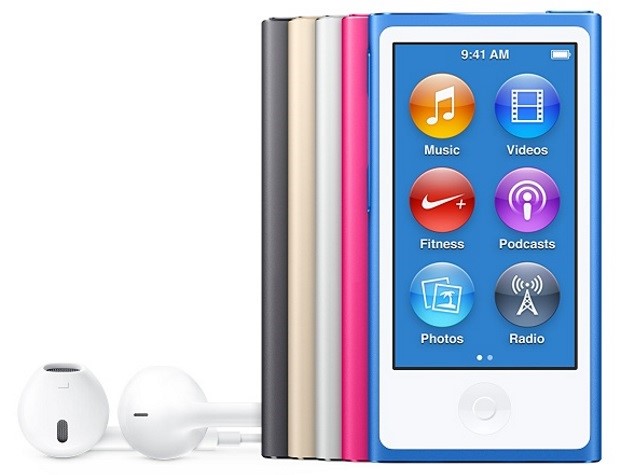
Yes, smartphones do have an inbuilt MP3 player and are capable of playing almost any audio format. But on the brighter side having your music stored in a MP3 player wouldn’t eat up space from your smartphones storage. Also, it won’t consume the battery of the phone and the phones will work longer on a single charge.
FITNESS GADGETS
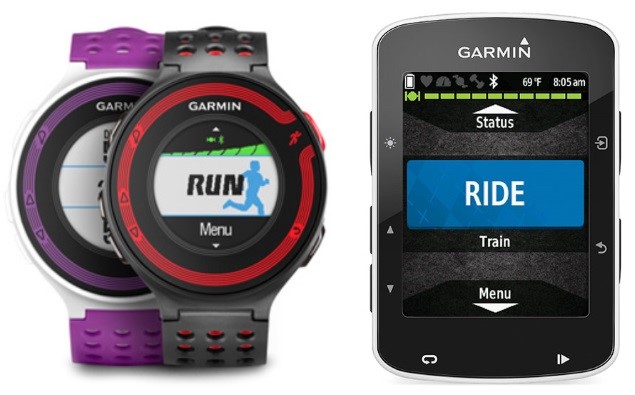
Now day’s smartphones come with various sensors to track your daily activity. Well the smartphone with so many sensors running in the background and keeping up with every movement that your body makes just uses a lot of battery of the device. Also the device is in the pocket or bag, which doesn’t lead to accurate readings of your workout. Owning a fitness device such as a Smartwatch or a Fitbit is built for the purpose of monitoring your activity. The readings given by these devices will be more accurate than that of the smartphone and moreover, the fitness device has its own battery. It doesn’t suck on your smartphone battery.
KINDLE
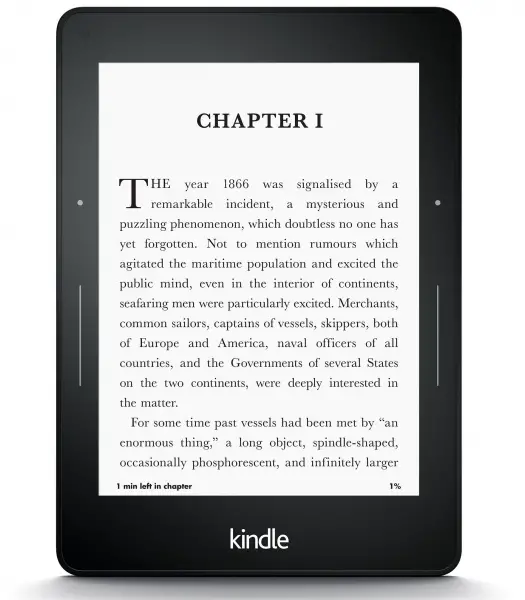
Reading books on your smartphone uses quite a lot of battery. Keeping the screen on continuously uses a lot of power and your devices battery will drain out in no time. Using an e-book reader such as kindle uses very little power as they use a special screen. The devices have a lower processor and putting all this together the kindle uses very less power. Much lesser than what your smartphone uses when you read on it.
CAMERA

Hands down no one will argue that a 5mp digital camera shoots better quality photos than a 5mp smartphone camera.
The software and lens along with many other minor adjustments result in better quality of pics as the camera is built only for one purpose while the smartphone has many other files to excel it so the camera quality does take a hit.
✿