Windows Live Mail Error: 0x800c0148 after getting the Internet Explorer 9 update
Asked By
230 points
N/A
Posted on - 05/27/2011

Hi,
I just upgraded to Windows 7 platform. I recently setup my email in Windows Live Mail and had no problems. But when I got the message to update to Internet Explorer 9, I started having intermittent errors in my Windows Live Mail.
Windows Live Mail
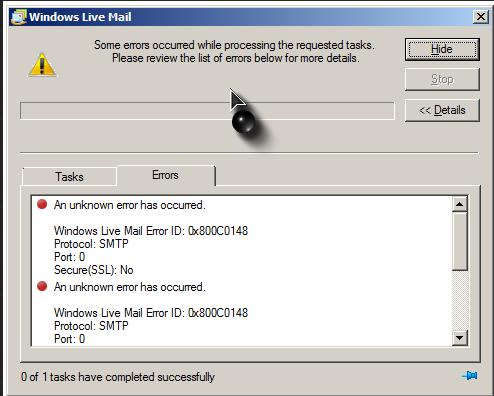
Some errors occurred while processing the requested tasks. Please review the list of errors below for more details.
An unknown error has occurred.
Windows Live Mail Error ID: 0x800C0148
Protocol: SMTP
Port: 0
Secure (SSL): No
I can still send and receive email messages, but this error dialog box keeps on popping up on my screen. I already called my ISP. They told me to disable my Antivirus software, which I did, but it did not fix the problem. What can be the cause of this error?