Treesize scanned my Drive C

I downloaded Treesize to check on my hard disk drive, and it's folders and subfolders. After scanning the Drive C: I recognize a folder at the bottom of the scan window. The folder name is;
System Volume Information [Access is Denied]
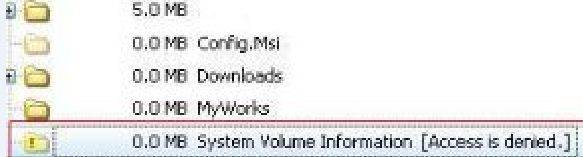
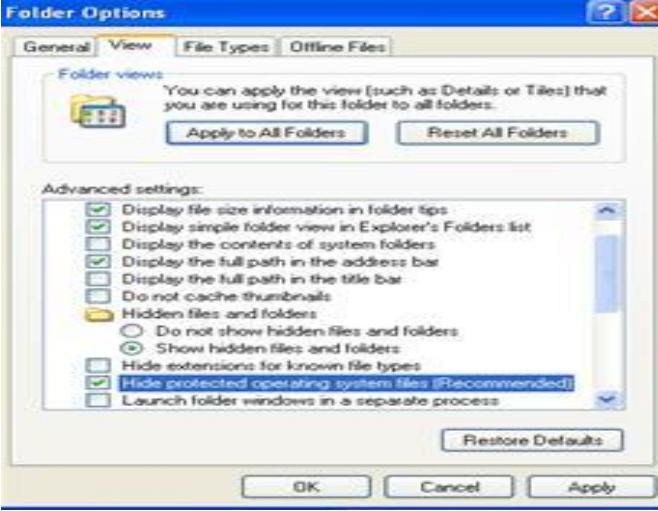
Beside its name is a yellow exclamation point. First of all, I want to know what is the use of System Volume Information? It has 0.0Mb which simply means that there is nothing inside it. Can I just delete it or is it important for my system to run accordingly? If I cannot delete it or if it's part of my Windows XP Professional, How can I gain access to this folder? I try to log on as the administrator, but I still cannot open the folder.
My System Specifications:
I am running NTFS with Windows XP Professional Service Pack 3.
Intel Core 2 Duo Processor 1.87 Gigahertz
Motherboard: ASUSek Computer Inc. P5VD2-MX
Bios:Phoenix Tech.
Display: VIA /S3G UniChrome PRO IGP
Monitor: HP w1907
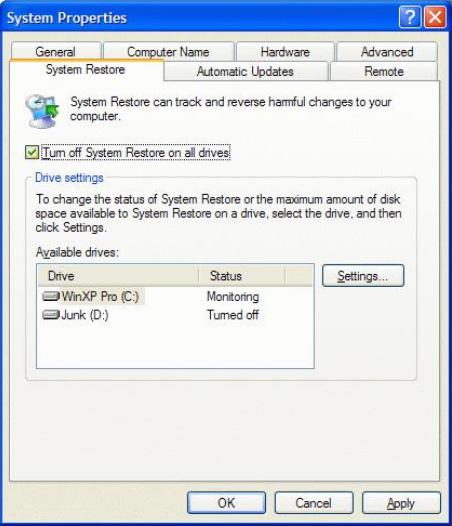
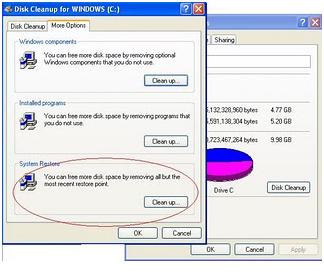
And also I want to know what is the content of this folder? I searched on the web, and they said it has something to do with the system restore files. I hope someone here can explain to me what is System Volume Information.
Thank you in advance.