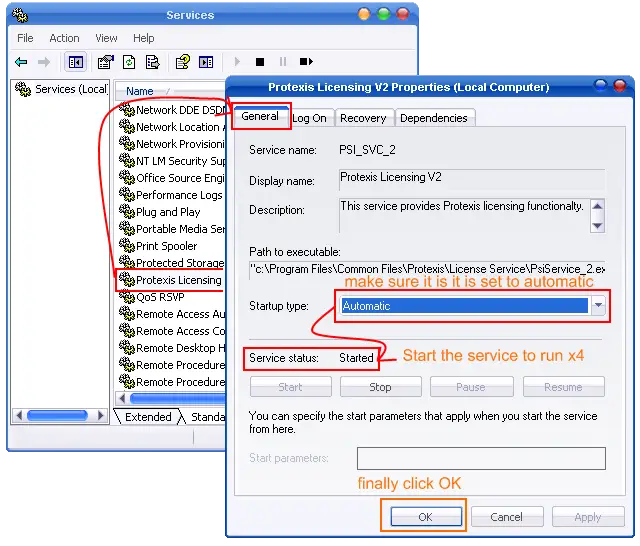
Error 38 shown with CorelDraw X4
Asked By
0 points
N/A
Posted on - 12/29/2013

Hello,
I have CorelDraw X4 installed in my computer which is Windows XP and suddenly an error popped up saying “Try restarting your computer and then restarting the program. If these actions do not resolve the problem, please uninstall and reinstall the program. (Error 38). I tried uninstalling and reinstalling the program and it worked fine for once but again I see the same message. Next I tried holding the F8 key while starting CorelDraw to bring it to factory default but have the same problem come back. I am struggling and any help would be greatly invited. Many Thanks.
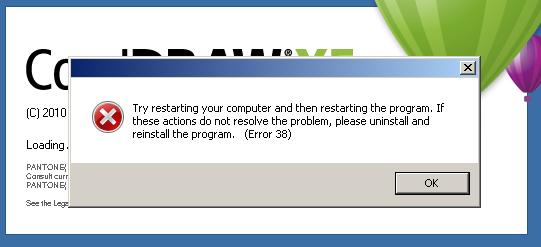
Try restarting your computer an then restarting the program. If these actions do not resolve the problem, please uninstall and reinstall the program. (Error 38)