PC stop booting after replacing the CMOS battery
Asked By
560 points
N/A
Posted on - 06/02/2011

Bios problem, how will I fix it?
I have a Celeron desktop computer.
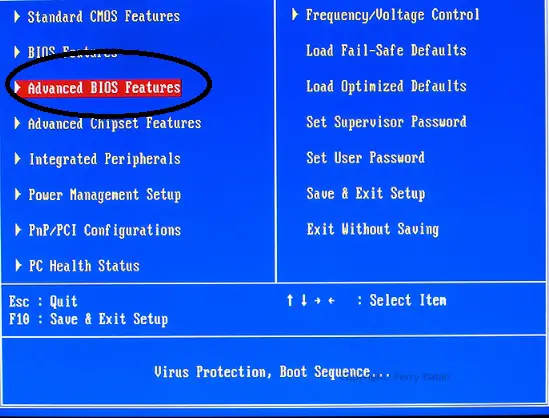
My problem is the BIOS so I decided to take off the CMOS battery and replace it with a new one again. When I turned on my computer, the BIOS comes first, then suddenly froze on the next loading page when the computer is starting to check the devices.
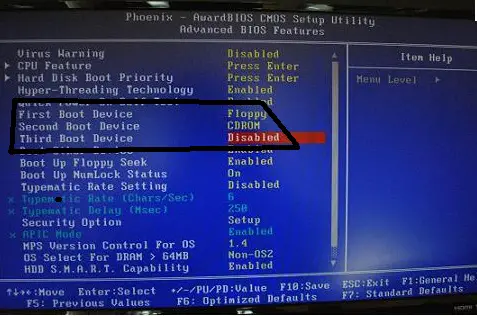
I insert my Microsoft Windows XP 64 bit bootable disk but when I turned on the computer again, the Windows' logo doesn't display on my screen. My computer loading up and just stops when the logo display.
I just replaced the CMOS battery to be able BIOS works. What is the problem on my computer?