

No of visitors who read this post: 181
Category: Internet
Type: Question
Author: Chad raymond
No votes yet

Hi
I downloaded a testing version of wing FTP. However I got the script error.

I have installed it on windows server.
IE 8 (script enabled)

I need a solution. Please help.
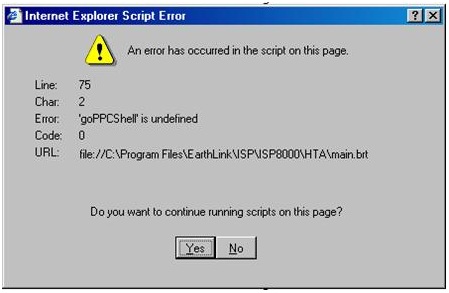


Internet Explorer Script Error
 
An error has occurred in the script on this page.
 
Line:  37
Char:  1
Error   Automation server can't create object
Code:  0
URL:   http://127.0.0.1.:5466/include/common.js
 
Do you want to continue running scripts on this page?
 
                        Yes       No

Thanks.

Comment viewing options

Select your preferred way to display the comments and click "Save settings" to activate your changes.

#

Hello Chad,

The error you are getting occurs when there are hypertext template (.htt) files on your computer that are damaged. To resolve the issue, you will need to use the workaround below:

You will need to get rid of web customizations. In the event that several folders are resulting to the script error, you will need to get rid of the web customizations from whichever folder that brings up the error message. To be able to remove the customization from a folder, you will need to follow the steps listed below:

  1. First you will need to open the appropriate folder.
  2. And then go to the View menu, and then click Customize This Folder option.
  3. Next you will need to click on Remove Customization, and then click Next, and then click Finish.
  4. When you are done, close the folder.

Regards,

Carl









