


Runtime Error in Microsoft Visual C++
Asked By
0 points
N/A
Posted on - 09/30/2011

Hello guys,
I am Running Vista Ultimate SP1. Elements 7.0 has worked great for a month but now it has crashed followed by a “Runtime Error” which explains as:
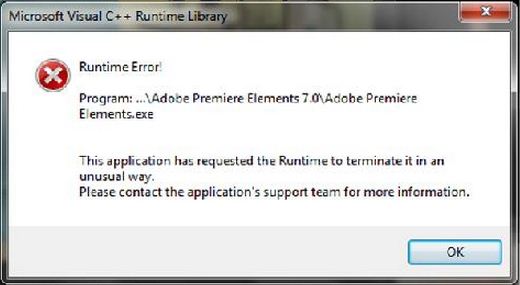
“Runtime Error!
Program: ..Adobe Premiere Elements 7.0Adobe Premiere
Elements.exe
This application has requested the Runtime to terminate it in an
unusual way.
Please contact the application’s support team for more information. ”
I have tried rolling back the driver. I also uninstalled and then reinstalled the software but with no luck. Suggestions are required to sort this thing out.
Waiting for a reply.













