


Max Payne 3- NSIS error

Hello,
I have been trying to install Max Payne 3 on my system for the last two days but I could not succeed.
Whenever I start the game, an error message appears on the screen that is attached below:
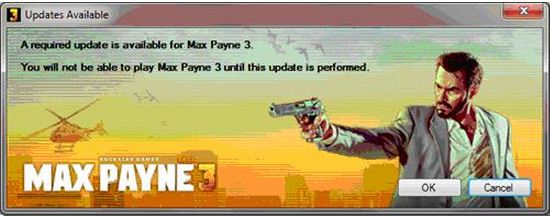
Updates Available
A required update is available for Max Payne 3.
You will not be able to play max Payne 3 until this update is performed.
OK Cancel
This message says my game is not updated. When I press ok on the above message window, an auto updater seems to download something. It was so fast on the screen, I could barely read it. The screenshot is attached below:
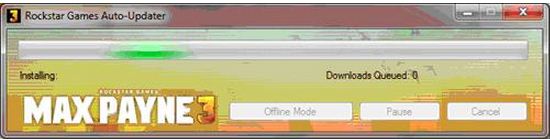
Rockstar Games Auto-Updater
Installing Downloads Queued: 0
After this message, suddenly the installation stops followed by the following message:
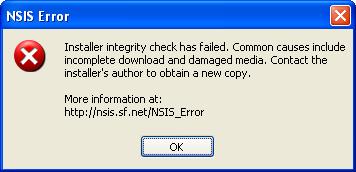
NSIS Error
Installer integrity check has failed. Common causes include
incomplete download and damaged media. Contact the
installer's author to obtain a new copy.
More information at:
https://nsis.sourceforge.io/NSIS_Error
OK
I have tried to resolve it myself but now I am at my wits end. I completely uninstalled the game and then reinstalled it but the same problem persisted. Secondly I disabled all my antivirus software's but it didn’t work as well. I also cleared all the registry entries with the help of a CCleaner but of no help. I also repaired the installed game but still faced a failure. I tried to install at http://nsis.sourceforge.net/Why_do_I_get_NSIS_Error using the NCRC switch but it was also of no help to me.
When I press OK on the above shown NSIS error, the following box appears.
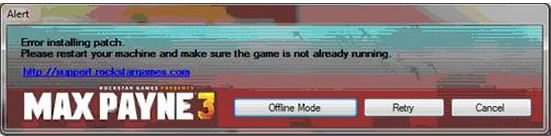
Alert
Error installing patch.
Please restart your machine and make sure the game is not already running.
https://support.rockstargames.com/
Offline Mode Retry Cancel
I also tried to run it in the offline mode but it just shows the following message:
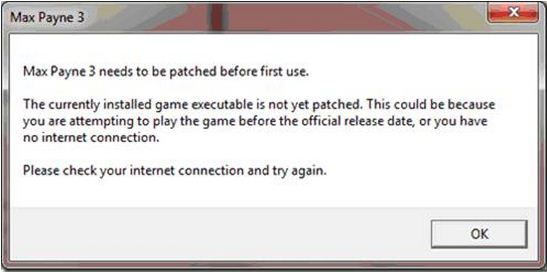
Max Payne 3
Max Payne 3 needs to be patched before first use.
The currently installed game executable is not yet patched. This could be because
you are attempting to play the game before the official release date, or you have
no internet connection.
Please check your internet connection and try again.
OK
I don’t know how to solve this problem. The auto installer might be a reason in the installation failure. If it is so, how can I resolve it?
At first it downloaded 1 or 2 small patches but after the reinstallation, it is not even trying to install these smaller ones? What should I do? Should I remove them manually but how?
If anyone can be of some help regarding this issue, I'll be highly obliged.
Thanking you in anticipation and looking forward to your replies.
Thanks.













