No of visitors who read this post: 150
Category: MS Excel
Type: Question
Author: Floyed Brice
No votes yet

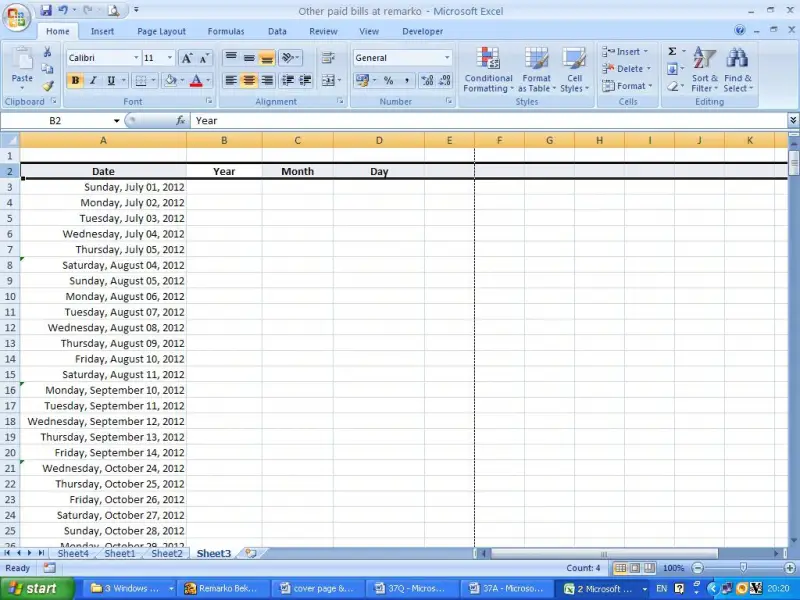
I have a Microsoft excel sheet including some dates. I just want to separate year, month and day to three separate columns. There are more than 300 days. Can someone tell me an easy way to do this?

Comment viewing options

Select your preferred way to display the comments and click "Save settings" to activate your changes.

#

In Microsoft excel it is easily can be separated year, month & day easily.

 In order to do that all the dates should be in the correct date format. Assuming that you have the correct date format I will explain you how separate date using an example.

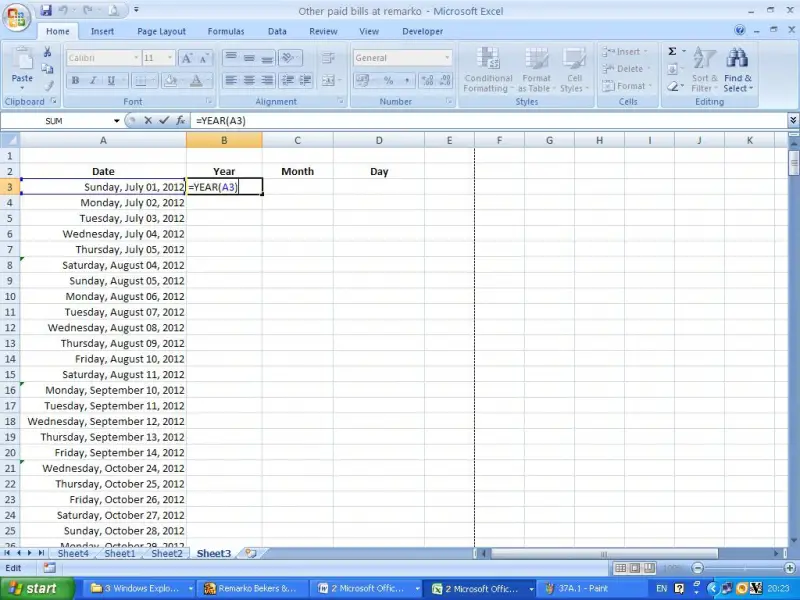
Please see the below picture.

According to that date schedule I will show you how to take year, month, date to each column.

First type the following formula in cell B3.

=YEAR(A3)

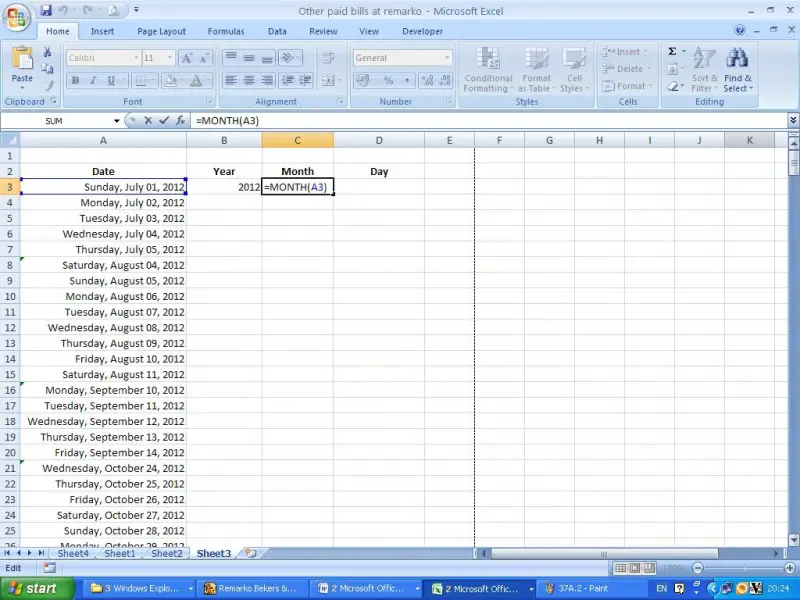
Then type this formula in cell C3.

=Month(A3)

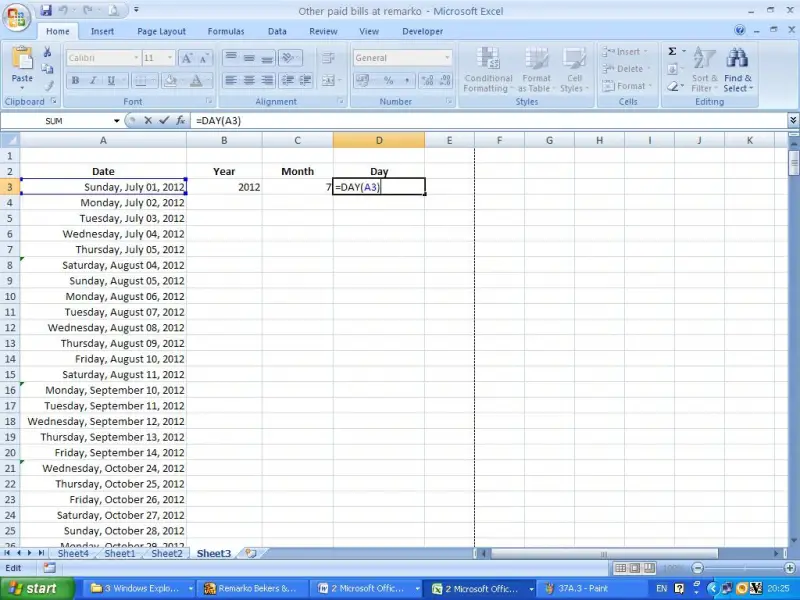
Now type this formula in cell D3.

=DAY(A3)

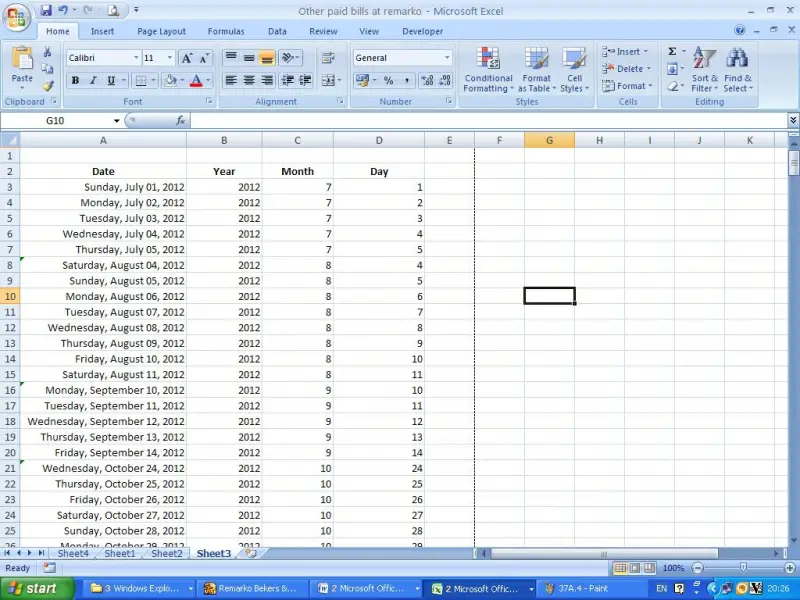
Now copy all formulas to below cells. Then you will be able to get the answer you want to get.