No of visitors who read this post: 5100
Type: Question
No votes yet

Hi dear,

I am new user of corel draw Graphics Suite X5.  I install corel draw in my system. After some time I restart my system then this error occurred please provide me its solution.

Detail of Error:
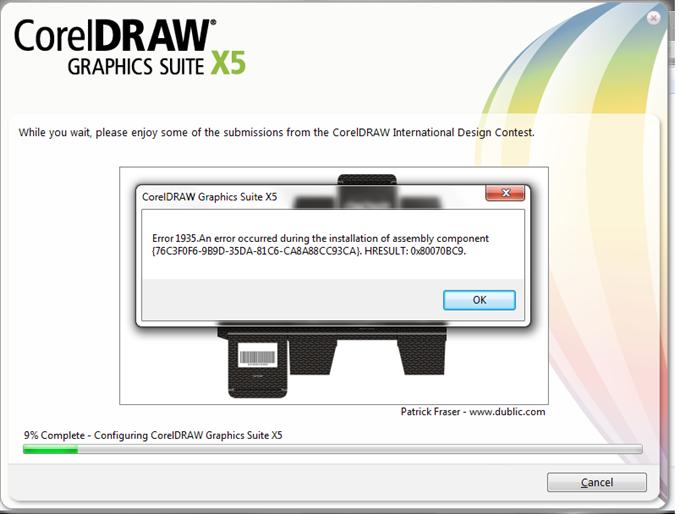
Error 1935. An error occurred during the installation of assembly component

{76C3F0F6-9B9D-35DA-81C6-CA8A88CC93CA}. HRESULT: 0X80070BCP.

Thanks in advance.

Comment viewing options

Select your preferred way to display the comments and click "Save settings" to activate your changes.

# (Solution Accepted)

Hi, follow these steps:

  • You will need to remove this program using the anti-spyware. If you don’t have it. Here’s the link:
  • http://windows.microsoft.com/en-US/windows-8/meet
  • Once done with the installation, click start then RUN and type appwiz.cpl then OK. In currently installed programs and updates, try to see if these programs are listed:
  • HP Component Manager, Easy Installer, Web Search, Win Tools, if one of these or more are listed click the program then click the Change/Remove, Click yes if prompted to confirm, Just follow the instruction on the screen.
  • Now you will have to delete the Internet Temporary Files. Follow these steps.
  • Click again the start button and then RUN, then type cmd then OK, In the DOS Prompt type: cd\windows\temp, and ENTER
  • In CMD prompt again type del*.tmp then enter, once done empty your recycle bin as well.
  • Then reinstall your Corel.

You can download and install CorelDraw Graphics Suite X6. Watch this video for a tutorial:

#

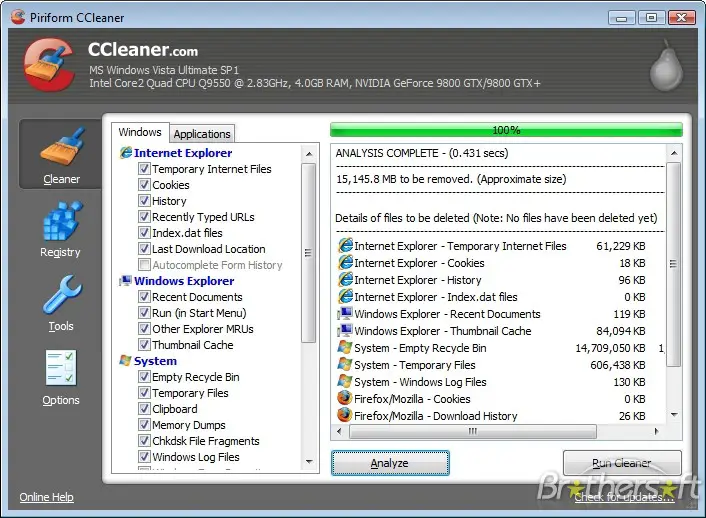
Hi… good day…this kind of error due to the some missing file or corrupted file program of Corel Draw graphics suite X5. To resolve this kind of issue, find Corel draws graphics suite X5 software or downloads the new software of Corel draw and the CCleaner software to fix the registry of the system programs.

  • Then before you install, go to start menu>>>control panel>>>add and Remove programs then in the populated program installed>>>find CorelDraw graphics suite X5 program and click>>Change/Remove.
  • After removing the entered program of CorelDraw, install the CCleaner software>>open and Run CCleaner , then after fixing the registry install the new program software of the CorelDraw graphics suite X5.

Thank you, hope its help

Regards;

Logictor