Editing NTOSKRNL.EXE to change bootup screen didn’t work

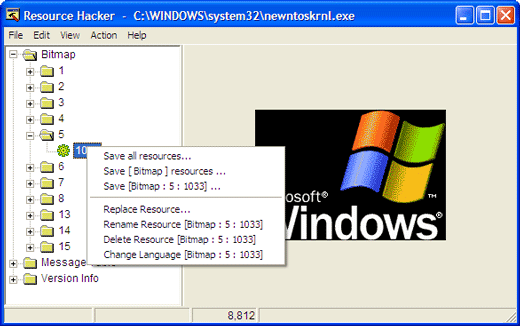
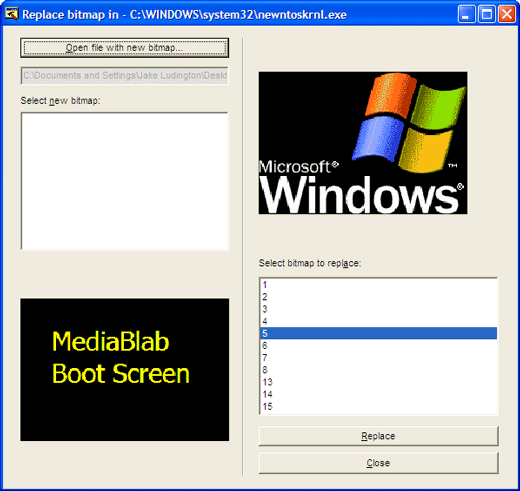
I am using Microsoft windows xp professional edition. I am good in customizing my desktop for better look and feel. I followed a tutorial showing me how to replace my boot screen using bootskin software. That software worked for me then i followed another tutorial on manually creating boot up screen of my own. I followed up the tutorial and edited ntoskrnl.exe file with resource intruder to change the screen shot.
I tried creating a 8 bit color file and added it into my ntoskrnl.exe file
I tried to replace the file using safe mode as well as in normal mode but whenever i replace file i doesn't work for me.
It still showing me the old bootup screen.
Is there any way i can customize my boot screen? Are these files located over some other place too (currently in c:windowssystem32)at which i can replace those too to get it working?
Help me in customizing my desktop please i don't want to use any type of boot screen software to change my bootup screen.