
Top 10 Must-Have Free Web Developer Tools
I have included a list of available tools that can help web developers create projects fast and effectively. There are a lot of tools that can considerably increase browsing speed and reduce web issues. These can help in debugging and improving the quality of the site.
The following tools and utilities are described below:
1. Firebug

Firebug is a popular web design add-on for Firefox. It gives the web designers a powerful tool to debug their web designs. It can be used to analyze which CSS style is affecting certain elements. Web designers can also inspect DOM to know the webpage form, determine the attributes of HTML elements and a lot more.
2. Xobni
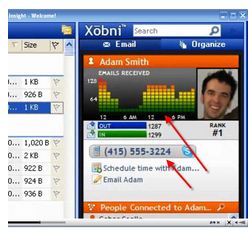
Xobni is a free add-on for Outlook that offers its users a fast and accurate search and navigation in your email archives. It became available in mobile devices such as BlackBerry. The goal of Xobni is to offer an advanced and well-improved address book for mobile devices.
3. Web Developer
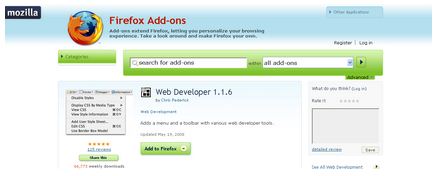
Web Developer Extension for Firefox is an add-on that adds several massively useful web developer tools to your browser to enable web designers to perform their task efficiently. It will appear as a toolbar on the upper portion of your browser with various helpful menus such as CSS and Cookies. This is available in Firefox and Chrome and support OS such as Windows, Mac OS X and Linux.
4. Color Cop
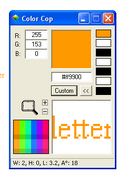
This software will allow you to match your webpage colors. This is also useful if you want to match your new page design to your existing page and make a customized color so your page will not mimic other websites. A color picker is an important tool to have. Color Cop is a small box that floats on the upper part of your webpage.
5. IETester
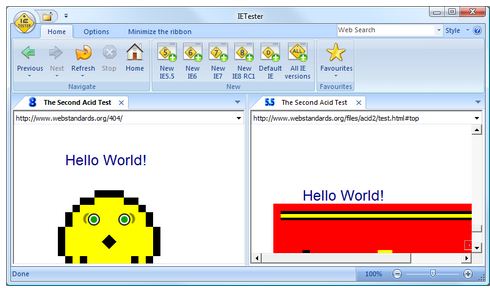
This software is best for web developers. IETester allows them to test their webpage for compatibility issues on different versions of Internet Explorer.
6. Karen’s Replicator
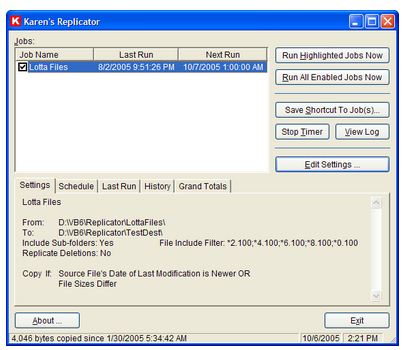
Karen’s Replicator is able to backup your files or your entire drives automatically. It copies files and folders from a drive to another and you can place the source folders anywhere on your network. It is an extremely great program that can support files up to 2GB of size. It has a new feature wherein the user can designate which files should not be copied.
7. Notepad++
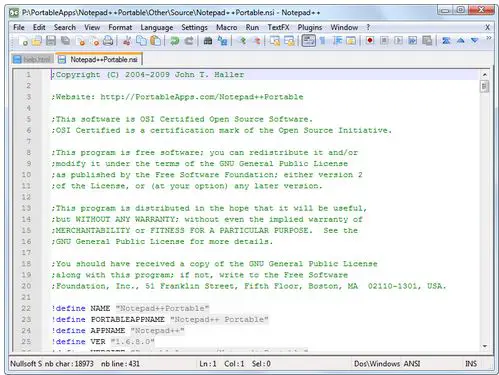
Notepad++ is a free software for Windows with built-in editors such as those for text and source codes. It is also best for tabbed editing, allowing the user to work with multiple files. It supports FTP Browser, Syntax highlighting and folding, recording and execution of Macro and a lot more.
8. Visual Web Developer Express
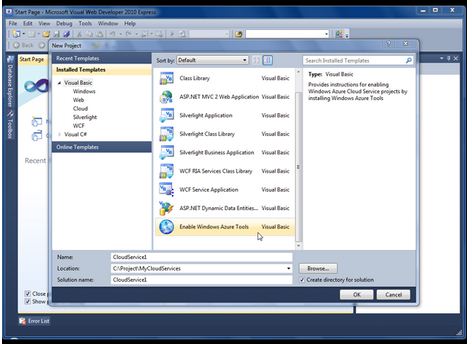
Visual Web Developer is a lightweight version of Visual Studio. It is a freeware tool that enables developers to assess the web development of Visual Studio 2008 Editions free of charge. The main job of Visual Web Developer is to make websites for ASP.NET. It has the interface of What You See Is What You Get (WYSIWYG), an improved HTML editor, drag and drop, and it supports web technologies such as XML and JavaScript.
9. Paint.NET
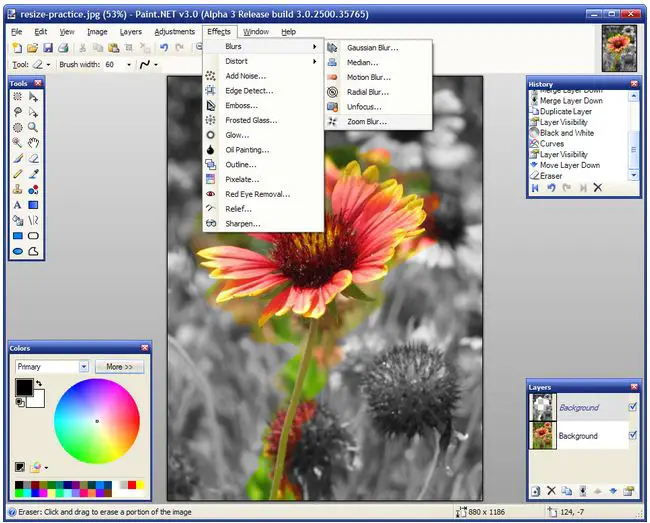
Paint.NET was developed as a substitute for Microsoft’s Paint program which is included in Windows. It evolves into an editor that has supporting layers, transparency, blends and plug-in. Paint.NET is a free photo treatment tool. Maintained by most people, it certainly offers more than one sufficient feature.
10. Spotify

Spotify offers streaming of preferred music from major record labels and independent labels such as EMI, Sony, Warmer Music, and Universal. Spotify is a radio-style software with free or paid