Fixing Error 0xe0010002
Asked By
0 points
N/A
Posted on - 07/23/2019

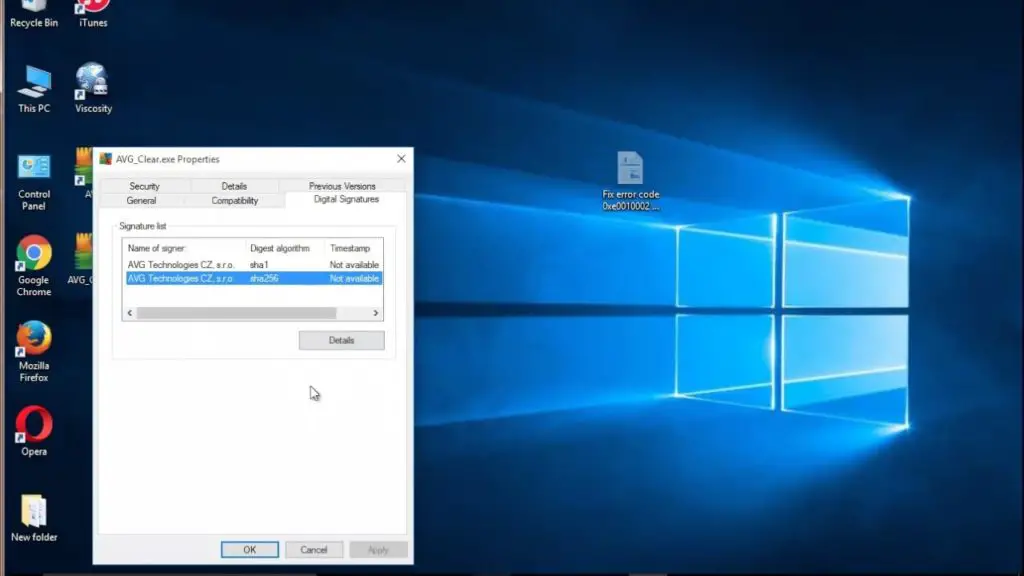
I had to uninstall Windows 10 and go back to Windows 7. When did AVG do that? I had to restart. This has been done and it has already been mentioned that I had to solve the problem. Tried to repair, but would not work. I tried to uninstall, so I can install, but I will not uninstall. What should I do to solve error 0xe0010002?