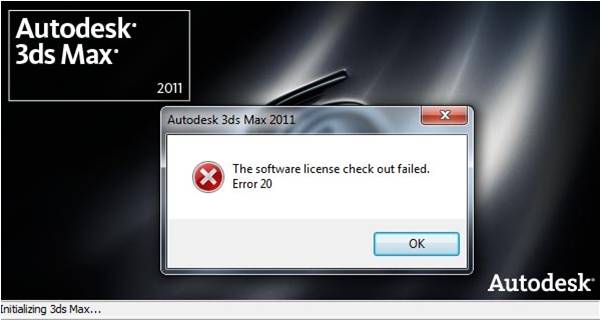
Error on 3ds Max 2011 “Software License Checkout Failed Error 20”

I have just installed Windows 7 on my machine. I am trying to install Autodesk 3ds Max 2011 (32 bit). When I tried to install Autodesk 3d Max 2011, instead of its name that should be displayed on the Start menu, it would say Change Graphical Settings. I have also noticed, that, when I open the application, it would try to load up but after a while an error would pop up saying "Software License Checkout Failed: Error 20". After getting that error message, the loading stops and eventually closes the application. I already tried to reinstall the application, however, that did not do help at all.
I would really appreciate your suggestions to resolve this issue. Any suggestion will do, as long as, it helps me fix this error and continue with my work. Thank you for the assistance.