No of visitors who read this post:
217
Category:
Microsoft Office
Type:
Question
Author:
Heather Finn
Is there a faster way to add data from Excel 2010 to an Access 2010 database using VBA?

- Login or Signup Now to post comments

Hello,
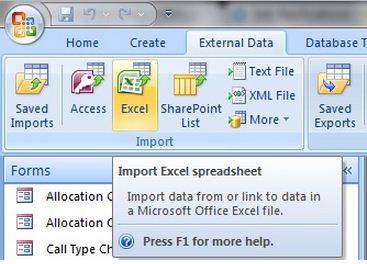
You want to import data from excel to access. That’s why you need do import data from excel to access first and then normalize the data by using Table Analyzer Wizard. Finally you should connect access data from excel spreadsheet.
At first import all data from excel to access with attentively. Then drag selected columns to a new table for create relationship. Then you should use button commands to rename a table then you should add a primary key then you should make an existing column a primary key. After complete previous process let you should connect access data.
Thanks.
Private Sub Command8_Click()