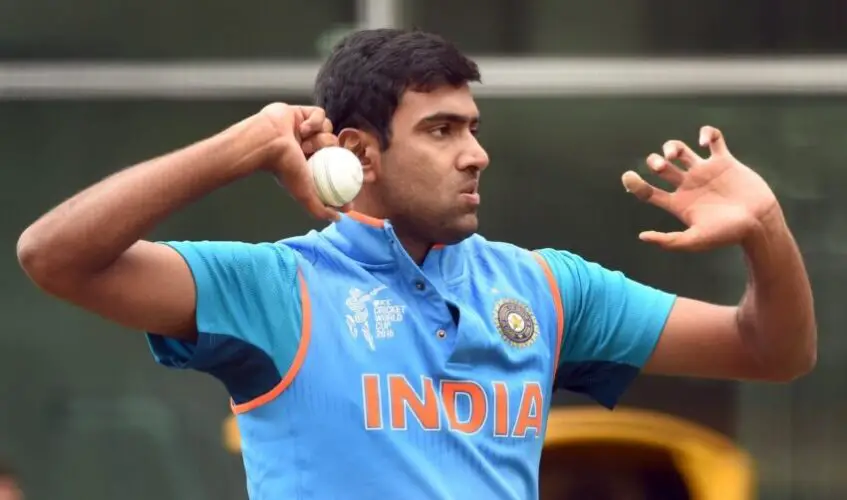
The 2019-21 World Test championship spanned across various bilateral test series, from which India and New Zealand emerged as finalists, and a one-off game between them was played as the final in 2021. We will now have a look at the top wicket takers in the tournament.
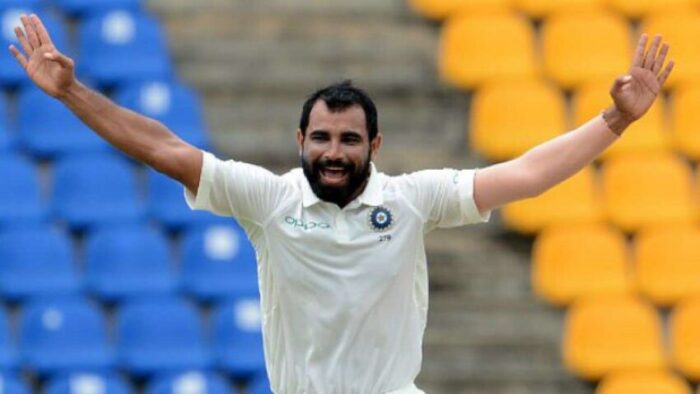
10. Mohammed Shami
Mohammad Shami is a part of the Indian pace unit, which is one among the best in the world. He has been a consistent performer for a few years, and was consistently taking wickets in the 2019-21 World Test Championship too. His best performances in the tournament include his five-wicket haul against South Africa, and a four-wicket haul in the finals. Mohammed Shami took 40 wickets in the tournament.
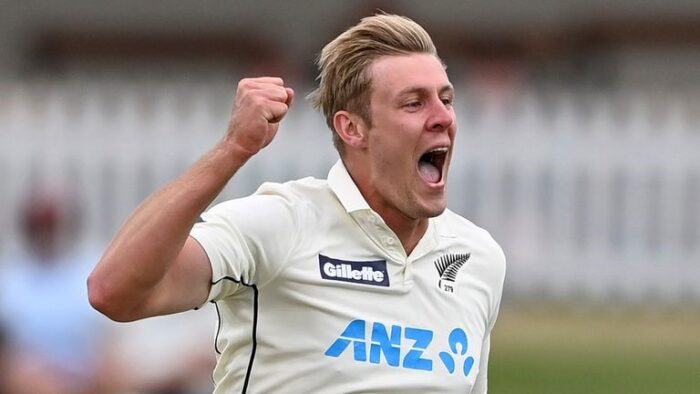
9. Kyle Jamieson
Kyle Jamieson is a pacer from New Zealand. He made his debut midway through the tournament. He was bang on the money, right since the start, taking at least 2-3 wickets every innings, most of the times. He played just six games before the finals, but produced an excellent five-wicket haul there, and ended up as the Man of the match. Kyle Jamieson took 43 wickets in the tournament.
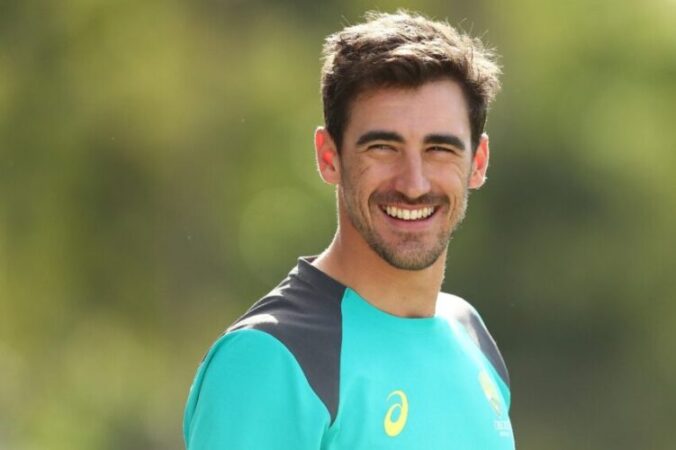
8. Mitchell Starc
Mitchell Starc had a good tournament, taking wickets consistently, spread across multiple matches. He took two fifers, one each against Pakistan and New Zealand, helping Australia win those matches. He was also particularly threatening with the pink ball in the day-night tests. Mitchell Starc took 44 wickets in the tournament.
7. Anrich Nortje
Anrich Nortje, known for his pace, had a decent tournament for South Africa. While he didn’t receive any Man of the Match award, he did have two fifers, and overall had a lot of wickets to show for. Anrich Nortje took 47 wickets in the tournament.
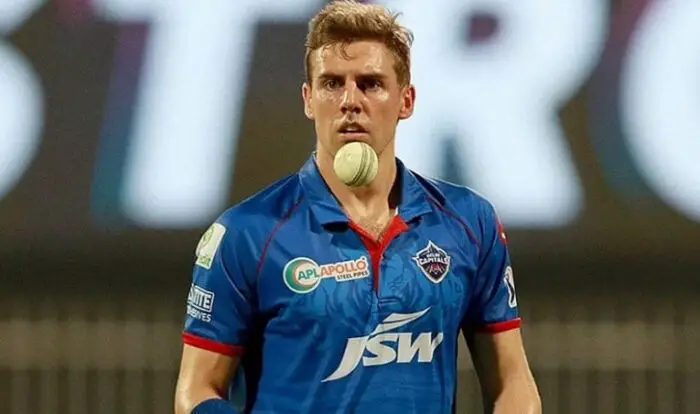
6. Josh Hazlewood
Josh Hazlewood was one of the important bowlers for Australia in the tournament, in their journey where they almost reached the finals. He took three fifers, and took three four- wicket hauls. Two of his fifers were a part of low scoring shootouts for the opponents, one when Australia bowled England out of 67 in Headingley, and other when they bowled out India for just 36. Josh Hazlewood took 48 wickets in the tournament.
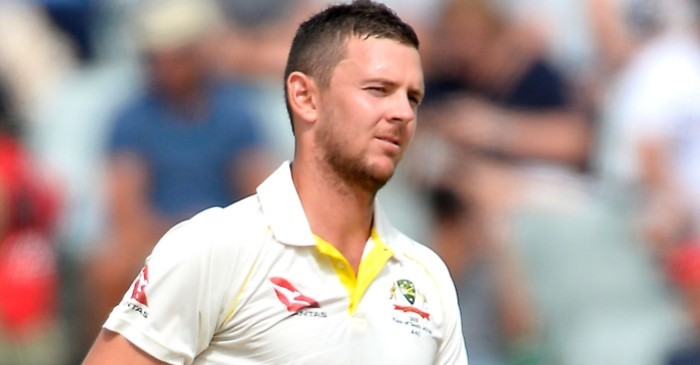
5. Tim Southee
Tim Southee was a key reason why New Zealand eventually won the tournament. New Zealand got in to the finals, at the back of strong home performances, and he took two fifers at home conditions in New Zealand. He also took four wickets in the third innings in the final, restricting India to a below-par total. Tim Southee took 56 wickets in the tournament.
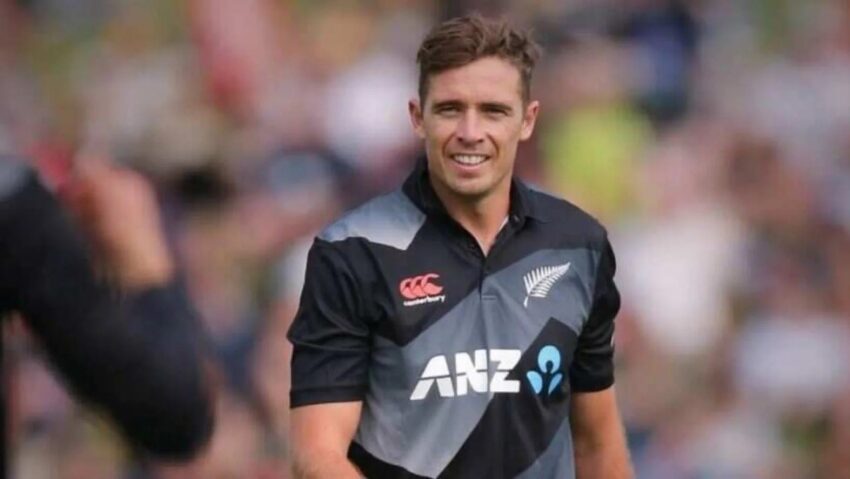
4. Nathan Lyon
Nathan Lyon, at times has been considered to be at par with, or just next to Ravichandran Ashwin, in terms of leading spinners of the current generation. He has been a constant feature for Australia over the years, mostly being their only spinner. One remarkable performance of Lyon in this tournament was, when he took two fifers in the test against New Zealand in Sydney. Nathan Lyon took 56 wickets in the tournament.
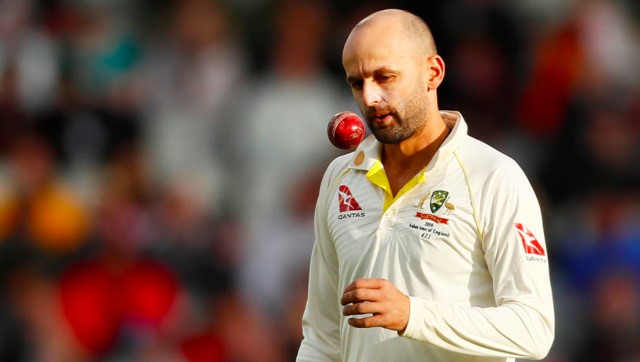
3. Stuart Broad
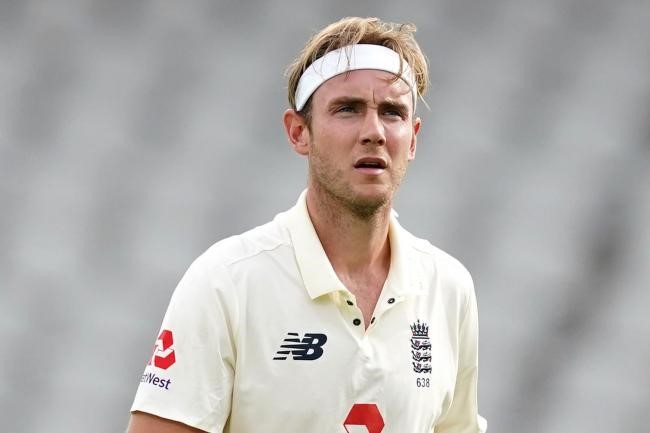
Stuart Broad is an English pacer, who is one of the best new ball bowlers in the world, alongside his partner James Anderson. In home conditions, he is a very lethal bowler. He was the man of the series, in the home series against West Indies, where he took 16 wickets. In one of the games, he took 10 wickets in the match, with a six-wicket haul in one of the innings. Stuart Broad took 69 wickets in the tournament.
2. Pat Cummins
Pat Cummins has been the No. 1 test bowler for a while now. During the 2019-21 World Test Championship, he took just one fifer, but had many innings, where he missed it by a whisker. He was the man of the series in Border Gavaskar Trophy, despite Australia not ending up on the winning side. Pat Cummins took 70 wickets in the tournament.

1. Ravichandran Ashwin
Ravichandran Ashwin is the best spinner in test cricket among active players. In this tournament, he took four five-wicket hauls, with most of them coming in the England tour of India, where he took 32 wickets across four matches. He was India’s best bowler in the finals, taking four wickets across the two innings, conceding just 45 runs, giving India, a glimmer of hope, when the target they set was too low. Ravichandran Ashwin took 71 wickets in this tournament.