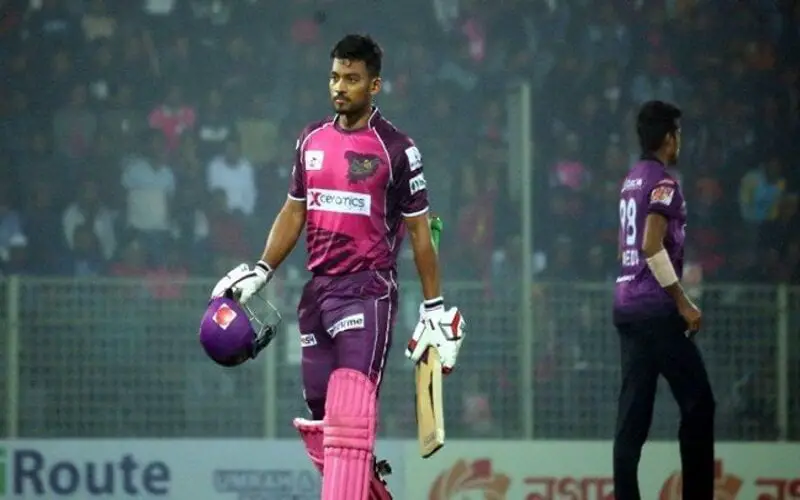
The Bangladesh Premier League is a franchise cricket tournament in Bangladesh organized by the BPL Governing Council. It was established in 2011 by the Bangladesh Cricket Board, and the first season was played in 2012. Currently, 7 teams participate in this league, with Comilla Victorians being the reigning champions. They are also the most successful side in the league, having won 4 titles. In this article, we will have a look at the top 10 batsmen to have played in the recently concluded 2023 edition of the Bangladesh Premier League
1. Afif Hossain
Afif Hossain is a Bangladeshi left-hand batsman who plays for the Chattogram Challengers. In the 2023 edition of the Bangladesh Premier League, he was the 10th highest run scorer, scoring 344 runs in 12 innings and having a strike rate of 128.36. His highest score of 69* came against Dhaka Dominators which made his team win the match and also earned him the Player of the Match award. However, Chattogram Challengers had a very poor season, ending in the last position in the points table.
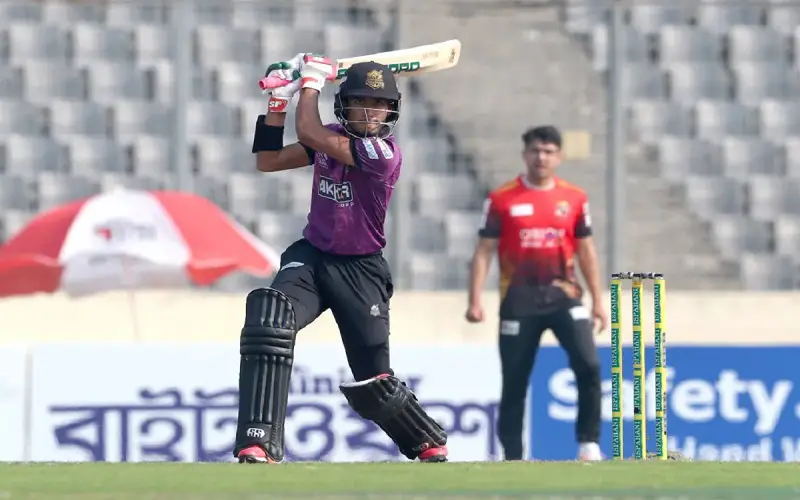
2. Mohammad Rizwan
Mohammad Rizwan from Pakistan is a specialist batsman when it comes to the shortest format of the game. This right-hander wicketkeeper-batsman played for the Comilla Victorians in the 2023 season. He accumulated a total of 351 runs in the 10 matches he played for the team, having an average of 50.14 and striking at a rate of 126.26. His highest score of 73 runs came in just 39 balls, which helped his team secure a win against the Khulna Tigers, who had earlier set a mammoth target of 211.
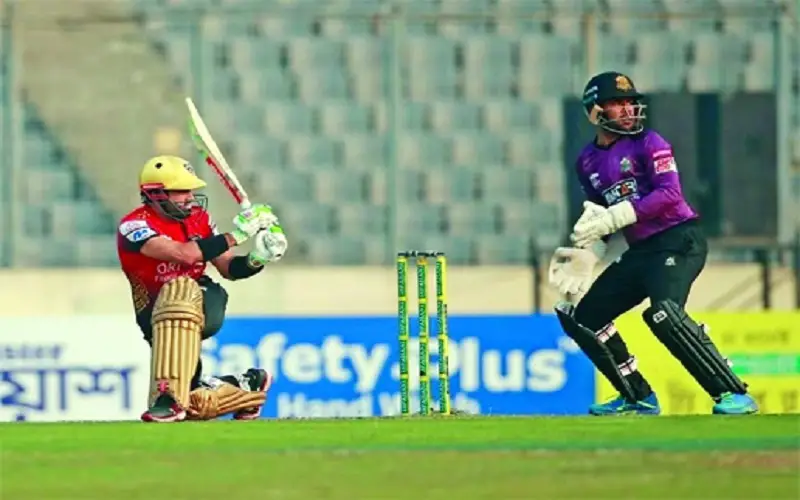
3. Iftikhar Ahmed
Iftikhar represented the Fortune Barisal in the 2023 edition of the BPL. In the 11 matches he played, he scored the same number of runs (351) as his national team-mate Rizwan. However, he had a better average and strike rate than the latter which has helped him to secure the 8th position in this list. In this season, he has also scored a century, also his highest score in BPL against the Rangpur Riders, helping his team post a huge total of 238 in 20 overs. His team ended the season in the 4th position.
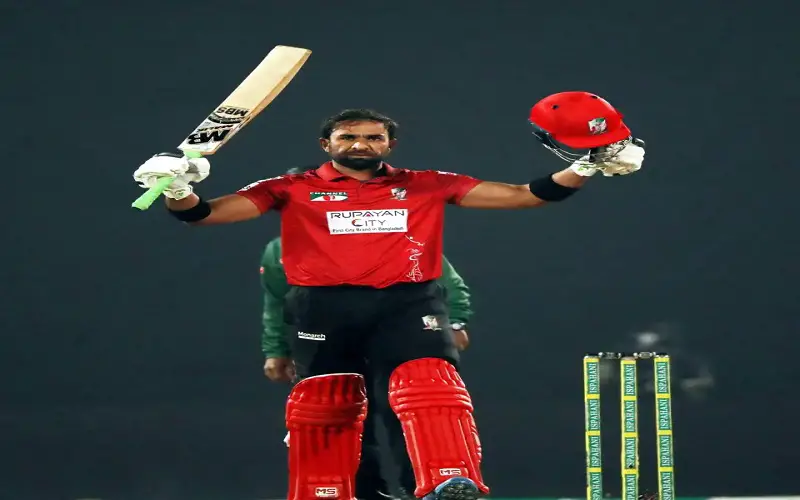
4. Mushfiqur Rahim
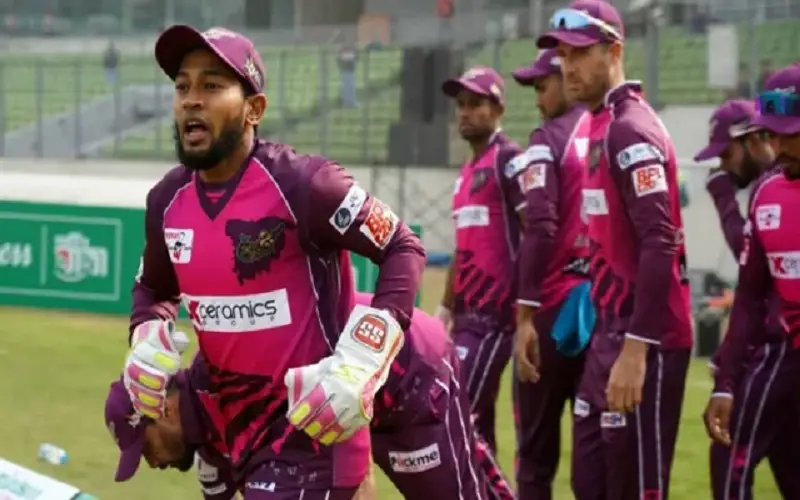
Mushfiqur Rahim is a very popular name in Bangladesh cricket. The former captain of the national team is a very efficient wicketkeeper-batsman. No wonder he is in the top ten list of batsmen of BPL 2023. He plays for the current runners-up of the Bangladesh Premier League, the Sylhet Strikers. He scored 357 runs in the 15 matches he played this season, having a strike rate of 132.71 and having a highest score of 74.
5. Nasir Hossain
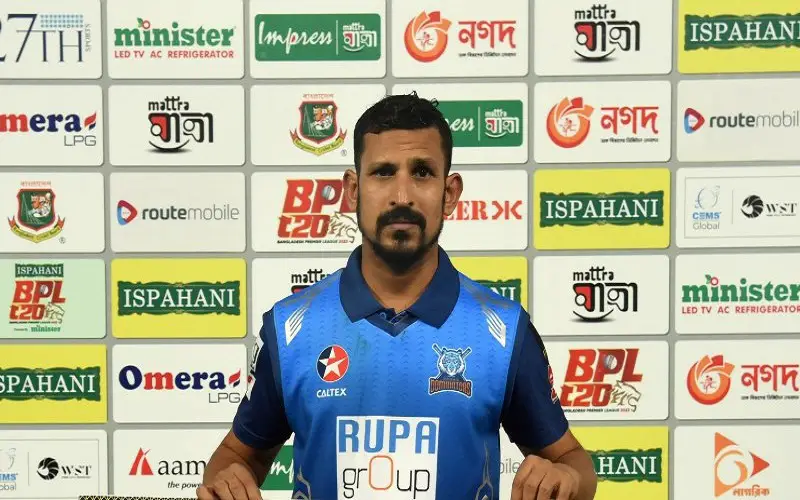
Nasir Hossain is a Bangladeshi all-rounder who has represented his national side in both tests as well as in ODIs. In the 12 matches he played for the Dhaka Dominators in the 2023 season, he has scored 366 runs, having an average of 45 and a strike rate of 120. His best score of 66 runs came in 45 balls against the Comilla Victorians. However, his team ended on the losing side. Also, the Dhaka Dominators did not have an impressive season, ending in the second-last position of the table.
6. Shakib Al Hasan
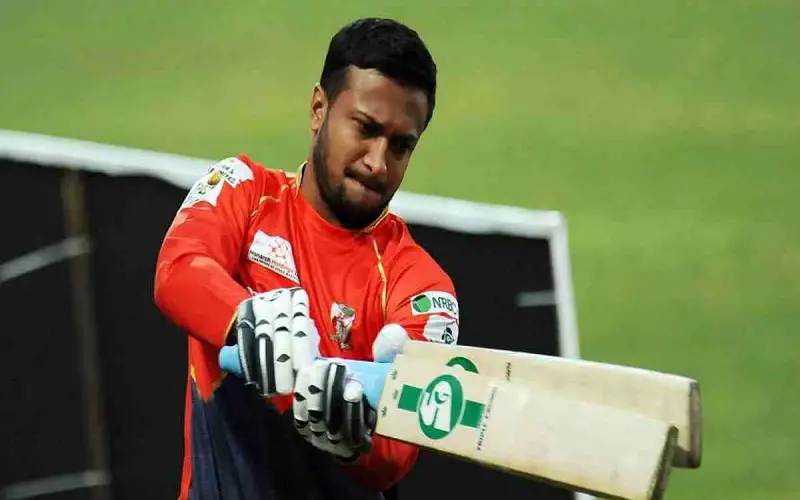
Shakib is the T20 captain of the Bangladesh Cricket Team. He also leads the Fortune Barisal in the Bangladesh Premier League. He is an excellent all-rounder, who can score runs in crunch situations and also has the ability to pick up regular vital wickets. In the 2023 season of the BPL, he has scored 375 runs in the 11 innings he played, having an impressive strike rate of 174.42. His highest score of 89 not out came in just 43 balls against the Rangpur Riders in the same match where his fellow team-mate Iftikhar scored a century.
7. Litton Das
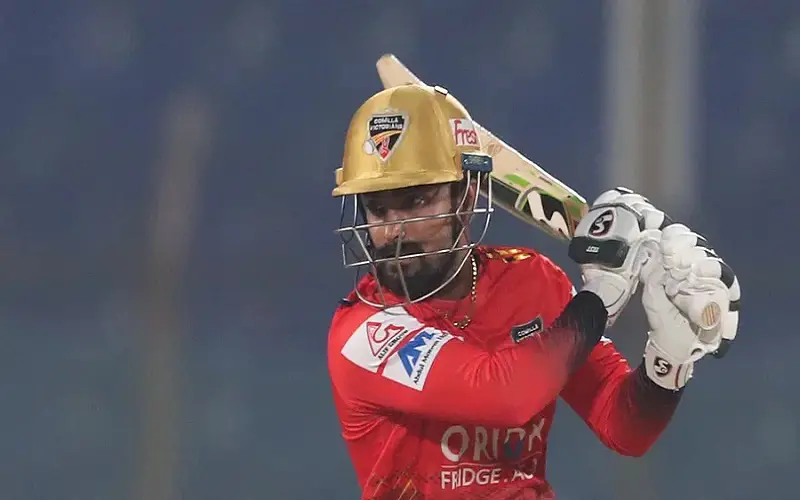
Litton Das is the captain of the Bangladesh Test Team. A right-hand batsman, Litton can play at various positions and can also operate as the wicketkeeper when required. In the 2023 edition of the BPL, he played for the champions Comilla Victorians in which he played a pivotal role. He scored an impressive 379 runs in the 13 innings he played for his team. He had a strike rate of 129.35 and a highest score of 70.
8. Towhid Hridoy
Hridoy, the 22-year-old right-hand batsman from Bangladesh plays for the Sylhet Strikers in the BPL. Though he did not get enough opportunity in the national side, however he has impressed a lot in the recently concluded 2023 season of the BPL. He is the third-highest run-getter in the league, scoring 403 runs in 12 innings and having an excellent strike rate of 140.42. His highest score of 85 runs came against the Rangpur Riders at the Sher-e-Bangla Stadium, Mirpur. The Sylhet Strikers ended the 2023 season as the runners-up and Hridoy scored a duck on the final.
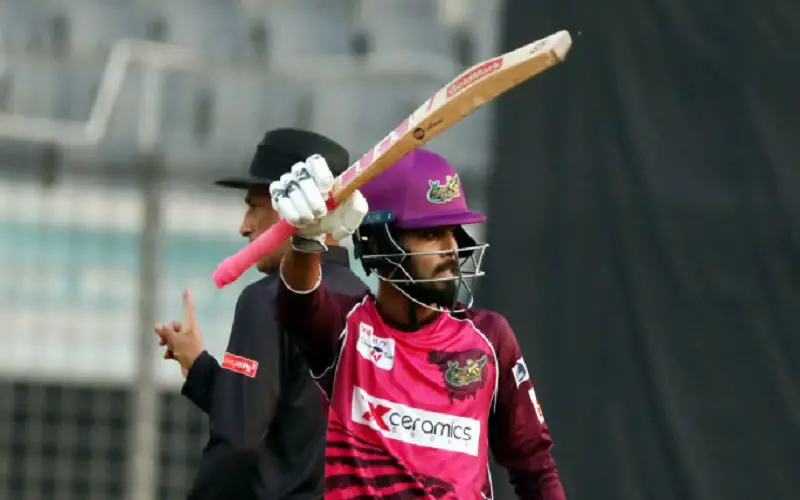
9. Rony Talukdar
Rony is a right-hand batsman from Bangladesh who has got limited chances at the national level. In BPL, he plays for the Rangpur Riders. He scored 425 runs in 13 innings in the 2023 season, making him the second-highest run-getter in the league this season. He scored 51 boundaries and 12 sixes in the entire tournament, which helped his team finish third in the season.
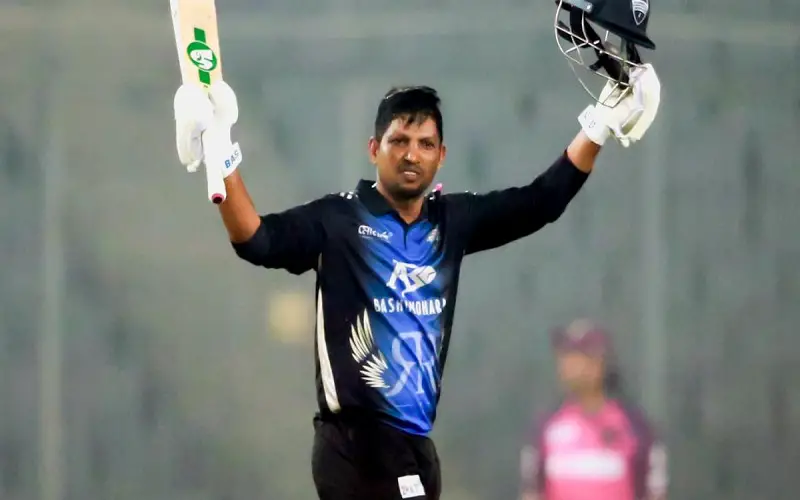
10. Najmul Hossain Shanto
At the very top of the table is the Man of the Tournament himself, Najmul Hossain Shanto who has represented his nation in as many as 22 tests, 24 ODIs and 23 T20Is. Though he could not take his team over the finishing line, he scored 516 runs in the entire tournament. Though he was pretty average in his first five BPL seasons, he ended up being the highest run scorer this time. His highest score of 89 not out came against Fortune Barisal. Even in the final, he scored a quick 64 against the Victorians. However his team ended on the losing side.