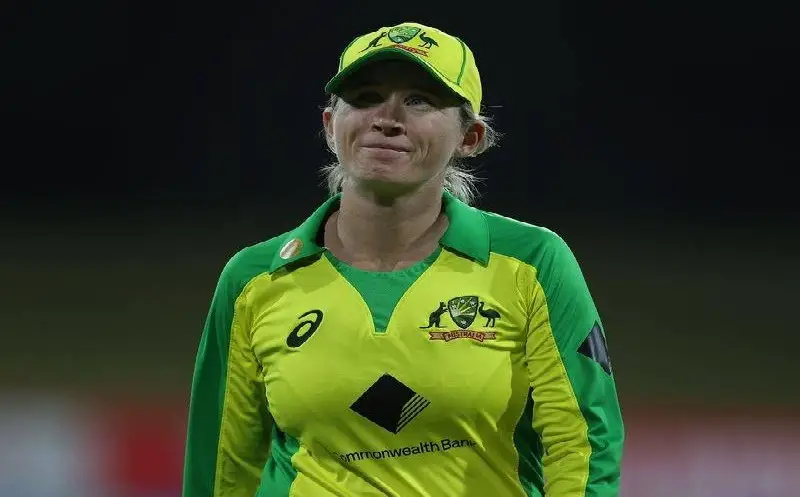
T20 cricket, the shortest format in cricket, is always filled with thrilling and nail-biting moments. These matches generate massive curiosity as well as stress among the spectators. It is because, in a T20 match, every ball is crucial. Therefore, the batter is full of energy to hit maximum boundaries and set a monumental target for the opposition. In such cases, several players attain colossal scores individually. So, let’s look at some of the highest individual scores in Women’s T20 Cricket.
1. 161 Runs
In first place is Deepika Rasangika. Though she was born in Sri Lanka, but plays for Bahrain. She hit 161 Runs off 66 balls against Saudi Arabia in March 2022. The match happened at the Al Amerat stadium. She is a left-handed batter who made her international debut in 2008 and played her last international match in 2022.
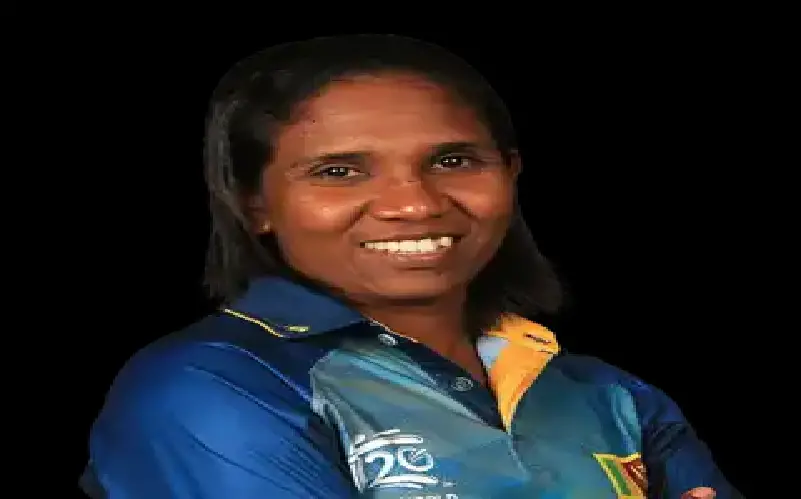
2. 158 Runs
In the second position is Esha Oza, who smashed 158 Runs off 71 deliveries against Bahrain on March 26, 2022. She is an Indian-born player who plays for the UAE. She has several records to her name; for instance, she is the fastest player to reach 1000 T20I runs and is also the leading run scorer in limited overs cricket for the UAE.
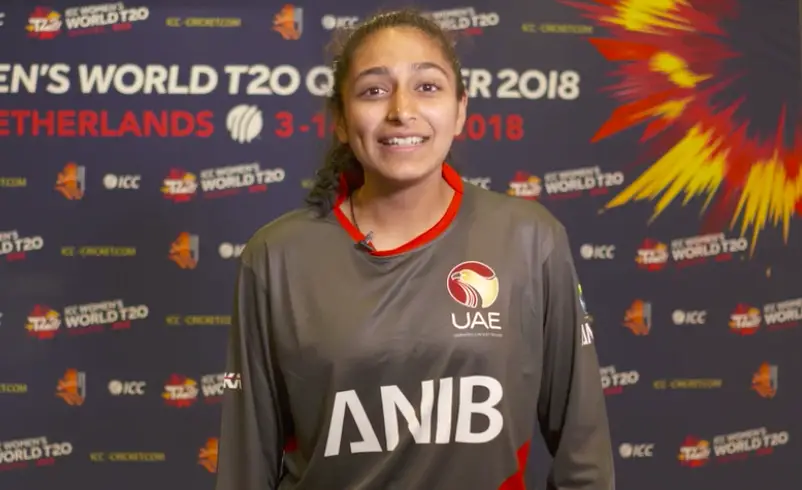
3. 148 Runs
Next on the list is an Aussie cricketer, Alyssa Healy. During the 2019 Sri Lanka tour of Australia, Alyssa Healy scored 148 Runs in 61 balls and became the third player in the list of the top 10 highest individual scores in Women’s T20 matches. She made her international debut in 2010. She belongs to a prestigious family since many of her family members have also played cricket for Australia.
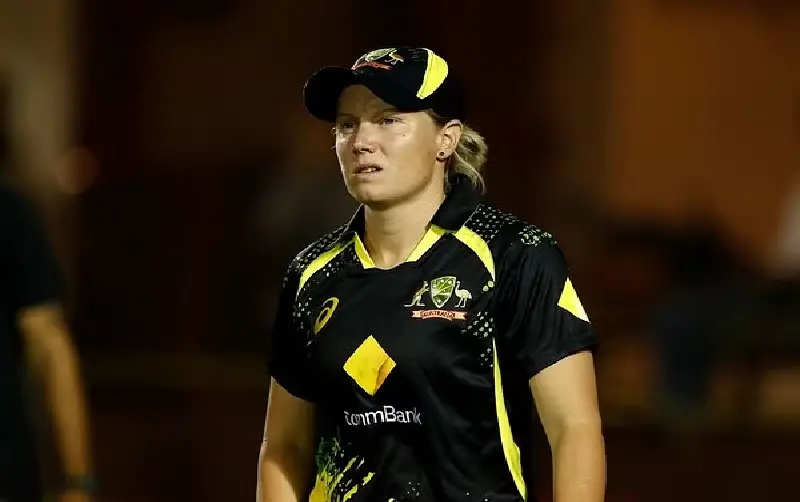
4. 133 Runs
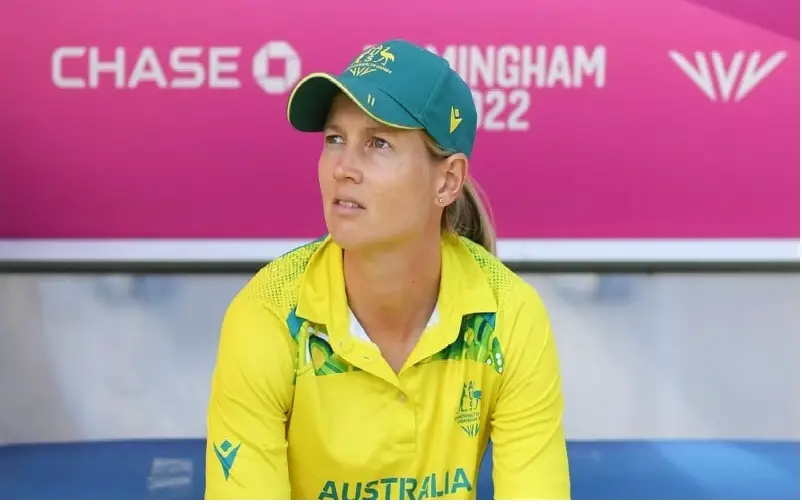
The fourth person on this list is another Aussie cricketer, Meg Lanning. In July 2019, she scored 133 Runs against England with a strike rate 211. She achieved this in a mere 63 balls. She is the current captain of the women’s Australian cricket team. Moreover, she was the first Australian woman cricketer to score 2,000 Twenty20 international runs.
5. 127 Runs
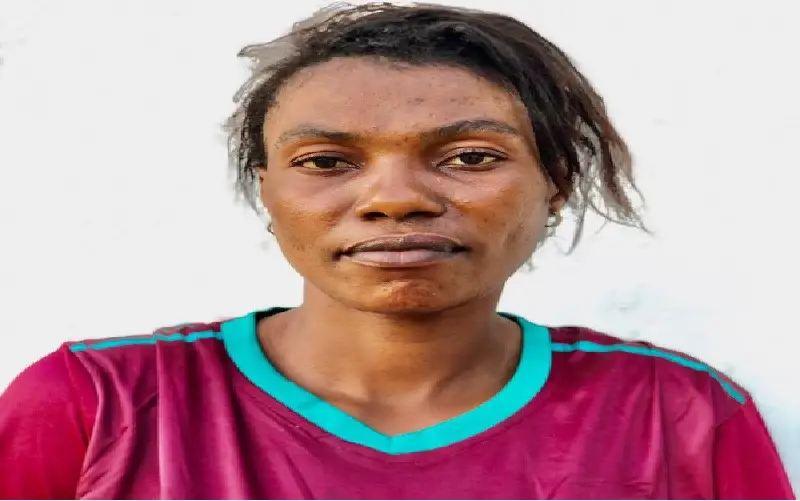
In fifth place is Fatuma Kibasu from Tanzania. She is the only Tanzanian woman cricketer to score a century at international level. She scored 127 Runs in 66 deliveries while playing against Eswatini in September 2021. Apart from this, she holds the record for scoring the most runs for Tanzania in WT20.
6. 126 Runs
Next on the list is Sterre Kallis. She is a right-handed batter who plays for the Netherlands. She scored 126 Runs in 76 deliveries against Germany. The match took place in Cartagena in June 2019. Apart from this, at the domestic level, she plays for various English teams like the Birmingham Phoenix, Northern Diamonds, and North East Warriors.

7. 126 Runs
Meg Lanning, an Aussie cricketer, occupies the seventh position on this list as well. She is also the only woman cricketer to feature twice on this list. So, she secured seventh place in this list after scoring 126 Runs against Ireland in March 2014.
8. 124 Runs
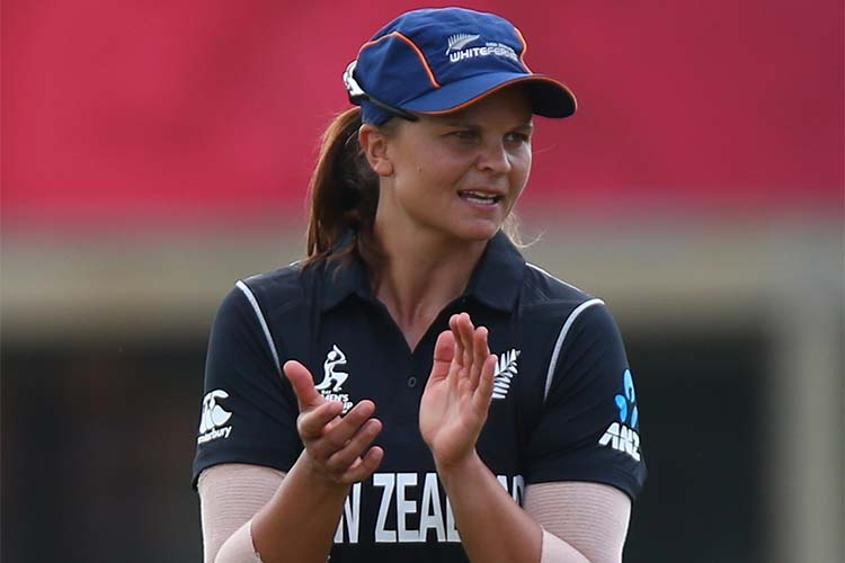
Suzie Bates, from New Zealand, occupies the eighth position on this list. She had remained the captain of New Zealand’s women’s cricket team. In June 2018, she scored 124 Runs against South Africa in 66 deliveries with a strike rate of 187. Besides, she has the highest batting average among all the female Kiwi cricketers. Interestingly, she has won ICC Women’s ODI Cricketer of the Year twice.
9. 124 Runs
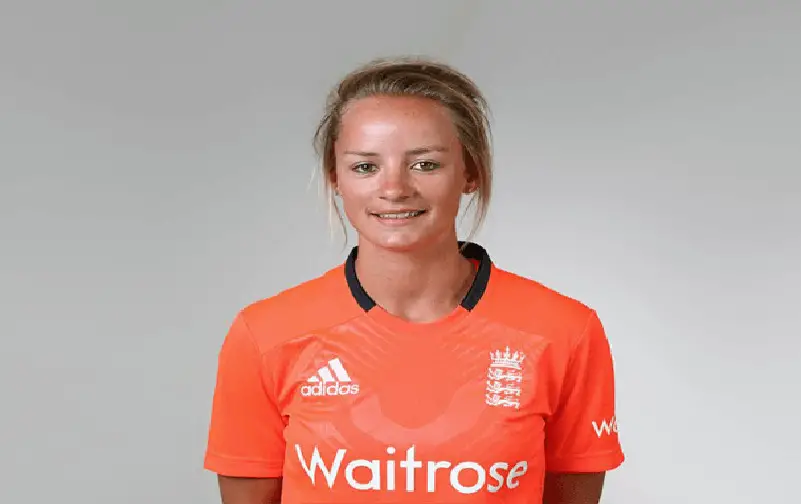
The second-last person on this list is an English cricketer, Danni Wyatt. She made her international debut in 2010 against India. She became a part of this list after hitting 124 Runs off 64 deliveries against India in March 2018.
10. 117 Runs
Beth Mooney from Australia is the last player on this list of the top 10 highest individual scores in Women’s T20 matches. She gained this position after scoring 117 runs against England in Canberra in November 2017.