


Problem in setting up the network connection

Hello,
I have been having problem setting up the network connection. I changed the “Auto Discover Service Internal URI to the external VIP URL, scope to $null command code, but failed. However, the error changed, but returned to the original error.
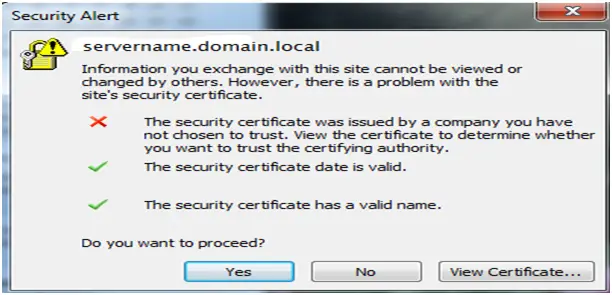
Security Alert
servername.domain.local
Information you exchange with this site cannot be viewed or
changed by others. However, there is a problem with the
site's security certificate.
The security certificate was issued by a company you have
not chosen to trust. View the certificate to determine whether
you want to trust the certifying authority.
The security certificate date is valid.
The security certificate has a valid name.
Do you want to proceed?
Yes No View Certificate…
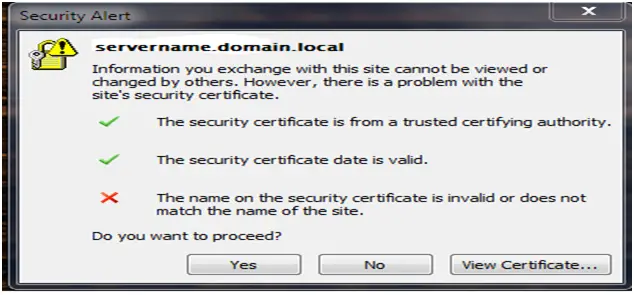
Security Alert
servername.domain.local
Information you exchange with this site cannot be viewed or
changed by others. However, there is a problem with the
site's security certificate.
The security certificate is from a trusted certifying authority.
The security certificate date is valid.
The name on the security certificate is invalid or does not
match the name of the site.
Do you want to proceed?
Yes No View Certificate…
Do you have an idea on how to solve this?
Thanks a lot.












