


Norton Internet Security Error Message

Hello guys,
I have recently installed the Norton internet security on my system.
I have followed all the instructions for downloading and installing the software, but still when I open it from the icon on my desktop or the menu, I am met with an error.
The screenshot of the error is as follows:
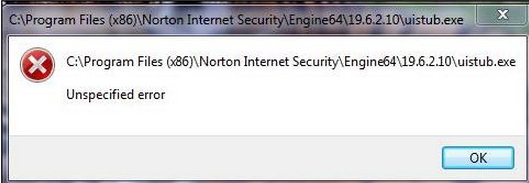
C:Program Files (x86)Norton Internet SecurityEngine6419.6.2.10unitub.exe
C:Program Files (x86)Norton Internet SecurityEngine6419.6.2.10unitub.exe
Unspecified error
OK
After the installation of Norton Internet security, I should have an icon on the bottom right side of my toolbar but I don’t have one. I don’t know why but I am facing this issue.
The only solution which I could think of was the reinstallation of the antivirus but in doing so I will lose some of my precious data from the identity safe. In doing so I have also free one of the licenses of my computer which I don’t want to do.
Can anyone please suggest me another solution to get rid of this error?
Looking forward to your views
Regards
Daniel












