Google Chrome SSL error problem
Asked By
20 points
N/A
Posted on - 08/11/2012

I receive a lot of SSL errors more often while logging in any websites, and now it gotten worse. it can't even recognize itself. I have an anti-virus and its updated so i don't think its because of viruses,
can anyone please help me solve this problem?
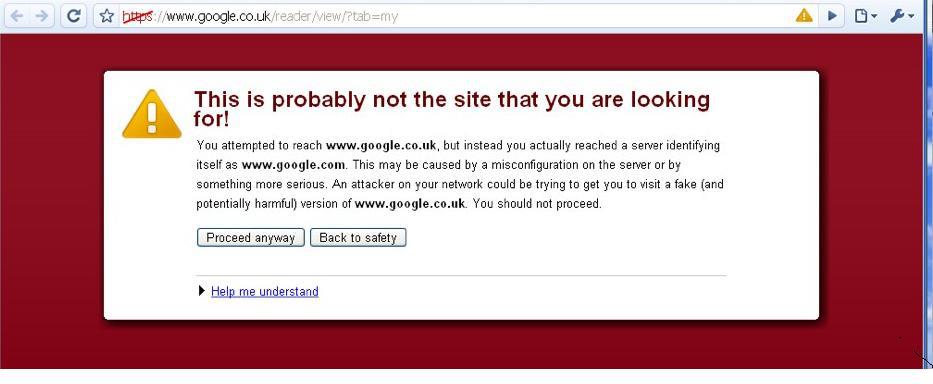
This is probably not the site that you are looking
for!
You attempted to reach www.google.co.uk, but instead you actually reached a server identifying
itself as www.google.com. This may be caused by a mis-configuration on the server or by
something more serious. An attacker on your network could be trying to get you to visit a fake (and
potentially harmful) version of www.google.co.uk. You should not proceed.
Proceed anyway Back to safety