

Error 1638 on Skype: Failed to install Skype.
- Why I failed to install the Skype?
- What are the causes why I can't install this successfully?
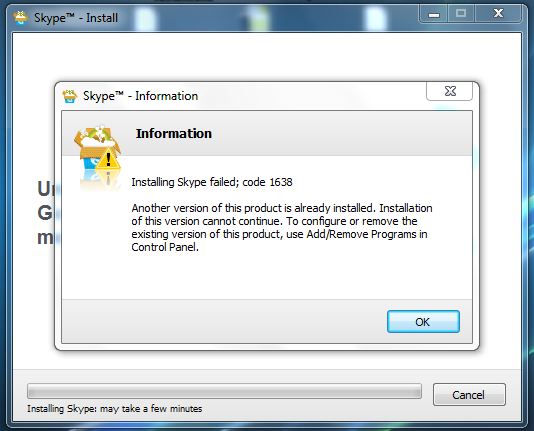
Skype - Information
Information
Installing Skype failed; code 1638
Another version of this product is already installed. Installation
of this version cannot continue. To configure or remove the
existing version of this product, use Add/Remove Programs in
Control Panel.
OK

- Login or Signup Now to post comments

Hi,
As you can see in the error log, it says that a version of the product is already installed. All you need to do is go to Start -> Control Panel -> Add or Remove programs. Just wait until the list shows and look up Skype.
Removing it will delete all files that could be corrupted and the next install of Skype should run nice. If this does not help, go to Start -> All Programs -> Windows Update.
NOTE: Use this step only if your Windows is Genuine valid.
If opposite, skip this step and stick to the first one. After this, error 1638 should be gone and Skype should work like a charm. Hope this helps.









