

No of visitors who read this post: 180
Category: Virtualization
Type: Question
No votes yet

Hello!

I am currently developing a web based application and I tried to integrate virtual earth services in it. But when clicked 3D on the installer the setup starts installing it and suddenly it pops out the following error message:
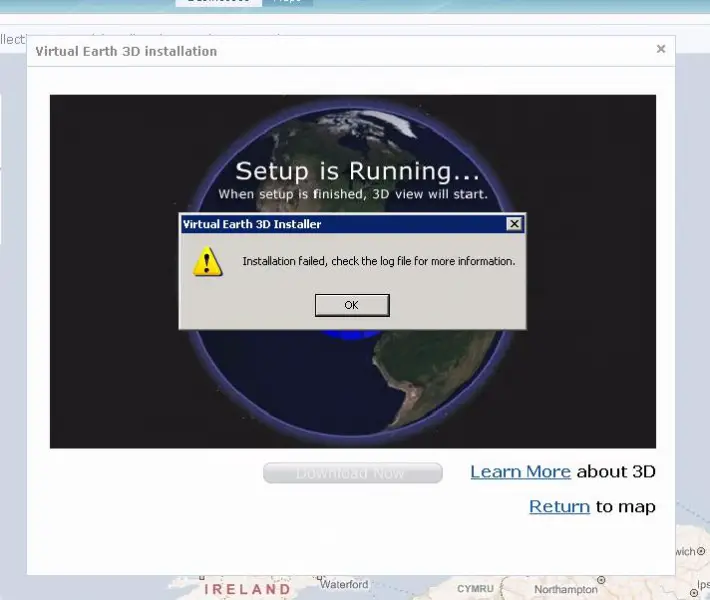
Error:

Virtual Earth 3D Installer
Installation failed, check the log file for more information

Comment viewing options

Select your preferred way to display the comments and click "Save settings" to activate your changes.

#

Hey Rochelle!

I am also a user of Virtual Earth 3D. I had also faced this problem, on searching about this error I come to know that the .msi file is not properly installed in my hard disk.

So what I did is just install a new copy of .msi file from Microsoft website and start the setup of Virtual Earth 3D again. This time I was succeeded to ins tall the software.

You also have to download this file. You can search it from internet. I am also going to add the link for that file.

http://go.microsoft.com/fwlink/?LinkId=93683

Download the file from here and paste it in the folder of Virtual Earth 3D.

Your problem will be resolved.

Thanks








