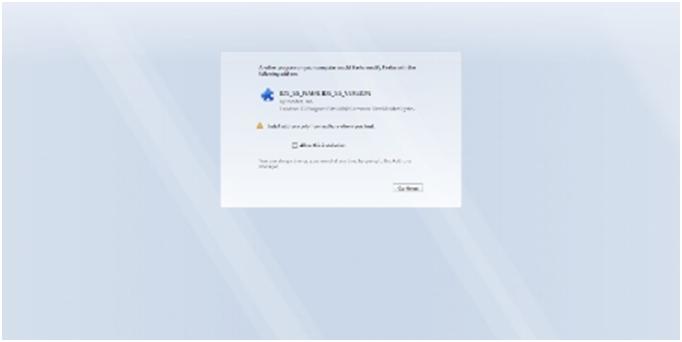
Hello good day and I have in my system McAfee Virus scan installed and it is of 8.8 Version. I have started it with patch of bundles and reminded that minimum of 2 systems some message as the report is being listed and is not so descriptive for our users as it stating ids_ss_name ids_ss_version. Error I am getting as Would you like to modify with existing Add-On IDS_SS_NAME IDS_SS_VERSION
Location : C:\program Files (x86)\Common Files\McAfee\system….
Install add-ons only from authors whom you trust.
Allow this installation
It is very helpful to me if anyone provide me solution for this query. Thank You.
- Login or Signup Now to post comments

I think you are trying to install an add-on to your antivirus or maybe to your web browser like Mozilla Firefox. It seems that they have the same way when installing an add-on where it asks the user whether to allow the installation or not. If you know that this add-on is really from McAfee antivirus, you can click on the Allow this installation button so the program can proceed on installing it. Just restart your computer if the system asks you to.
If after booting the system that dialog box appears again, cancel the installation then check your computer for any possible errors. Use a disk utility application to check the system. For a much thorough diagnostics on the system, use a disk utility application like PC Tools Performance Toolkit. Restart the computer again after this. If the dialog box appears again, cancel the installation then uninstall McAfee antivirus from your machine then install it back. Then try installing the add-on again.
Regards
Sharath Reddy
Hallo Carl,
I suspect compatibility issues to be the possible cause of the issue that you are getting during the installation of McAfee. To resolve the issue therefore you will need to do the following:
Hope this helps.
Regards,
Carl