Asked By
crissy
0 points
N/A
Posted on - 07/29/2011

Hello there!
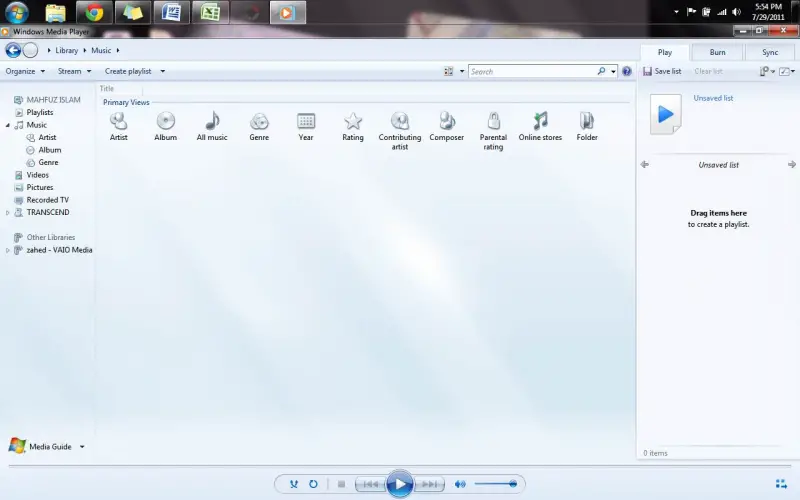
I have this irritating error every time I open my Windows Media Player. I'm using Windows XP.
Please help me get rid of this error message. I posted here the error box appearing.
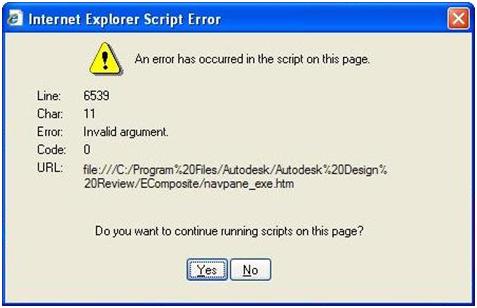
Internet Explorer Script Error
An error has occurred in the script on this page.
Line:1
Char:1
Error: Syntax error
Code:0
I always click No then it continue to appear until I finish at least 5 "no clicks". Same happened when I chose yes button.
Could anybody help me solve this error??
Thank you.
Answered By
logictor
5 points
N/A
#80381
Windows Media Player Error Message
Hi good day,
To solve this kind of issue, when script error debugging and notification are turned by default. If they have been turn on follow these steps to turn off. >>> open Internet explorer by clicking the Start button and then click Internet Explorer. >>> click the Tools button and then click Internet Options >>>> click the Advance tab, select the Disable script debugging >> Internet Explorer >>> and Disable script debugging >> Other >> check boxes. >>> Clear the Display a notification about every script error check box, and click OK.
I hope these steps will help you.
Thank you.
Windows Media Player Error Message
Hi Crissy,
I have read your problem and I think I could help you in sorting out this problem. First of all, please” pause” the protection of the antivirus of your system for some time. After doing that please go to http://download.cnet.com/windows-media-player/ and download the latest version of Windows Media Player.
After downloading it please install it on to the current system, after installing it will replace the older version of the Windows Media Player available with the new one installed. The please go to Windows Media Player and see the new replace version of Windows Media Player this process will definitely solve the issue you are facing. I hope I was clear enough to solve you with the problem you are facing.