
I was using Windows Live Writer offline blogging software when I received this error message. My log-in information is assigned to be encrypted because my WordPress settings force SSL on admin pages.
Nevertheless, my SSL certificate is not trusted since what I use is a self-signed certificate. How can I connect again to my blog?
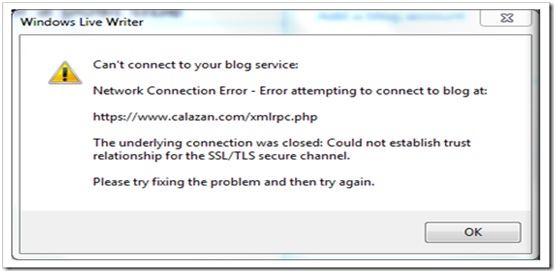
Windows Live Writer
Can't connect to your blog service:
Network Connection Error – Error attempting to connect to blog at:
https://www.calazan.com/nbx-call-reports-problem-retrieving-records-from-the-nbx/
The underlying connection was closed: Could not establish trust
relationship for the SSL/TLS secure channel.
Please try fixing the problem and then try again.
OK
How do I change the trust settings?
Windows Live Writer offline blogging software – Error
Hello Shirley,
If you have been able to use this offline blogging software successfully before, then you should try the following fixes:
-
Go to the Proxy settings and there set it to manual. After that you will need to add your blogging account after your name my blog name – you will need to do that even if you have a domain name – and then try connecting. That should fix the problem.
-
If you are still having this issue, try the following workaround:
-
First, you will need to get rid of the WordPress.com blog from Windows Live Writer and then add it again.
-
You will need to ensure that you have got enough space to upload images. You can verify that by checking from Media >> Media Library.
-
After that you should attempt publishing a post without images or just a few small images to see if it works.
Regards,
Carl















