
Hi all,
I have a Line 6 Monkey software, but am unable to update its firmware version. Following what the error states, I carefully placed a USB MIDI cable in the audio/video interface, but still failed.
My computer is using Mac OS X Lion. How can I determine the error code? (see attached screenshot).
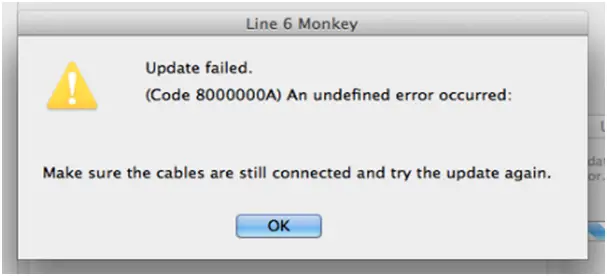
Line 6 Monkey
Update failed
(Code 8000000A) An undifined error occurred:
Make sure the cables are still connected and try the update again.
OK
I tried updating it using Windows 7 but again, failed.
Could somebody solve my problem? I have searched a lot of forums regarding this problem.
Thanks a lot.
Unable to update firmware version of Line 6 Monkey software
I’m not sure if the problem you are having right now is the bug or the issue that its website is talking about that’s why a patch was created to address the issue.
Whatever reasons it might have, better try downloading the patch from LINE 6 — Downloads — FREE SOFTWARE DOWNLOADS.
This patch is intended to run on Windows XP, Windows Vista, and Windows 7.
I’m not sure if this download is only a patch since it doesn’t have any other infos with it or is already another version of the installer for Line 6 Monkey that already contains the bug fixes for Mac OS X Mountain Lion and Windows 8 users.
But anyway, just download this one and see if this helps fix the problem.
You may also try checking your computer for any possible errors. Use a disk utility application to check the system. For a much thorough diagnostics test on your machine, use a disk utility application like Norton Utilities.















