

SEB windows 1.8.2 – Looking for solution
Asked By
20 points
N/A
Posted on - 07/30/2012

Hi guys
I have recently surfed the internet thoroughly for SEB (safe exam browser).
I found a website and read about it. I have now downloaded the latest version of SEB. After downloading it successfully, when I try to install it, it ended up in an error message.
The screenshot of the error is attached below:
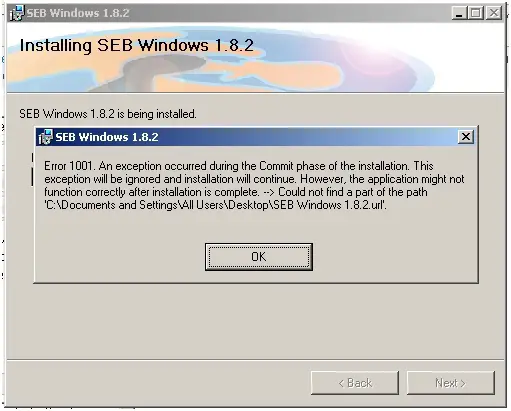
SEB Window 1.8.2
Error 1001. An exception occurred during the Commit phase of the installation. This
exception will be ignored and installation will continue.. However, the application might not
function correctly after installation is complete. –> Could not find a part of the path
‘CDocuments and SettingsAll UsersDesktopSEBWindows 1.8.3.url’.
OK
I need your help. I tried but couldn’t solve the query.
Looking forward to your replies
Regards
Tom













