Asked By
cyrel
0 points
N/A
Posted on - 06/02/2012

Hi, can someone can please help me on how to restore my Apple iPhone 4S?
My device appears an image to where it indicates that I need to connect it to iTunes and my friend told me that my iPhone is in recovery mode and i need to restore it right away. Unfortunately, I don't know how to do that.
Can someone please help me?
Also, is there a way for me to back up my files such as pictures, music, etc. On my iPhone?
Restoring/Back Up Apple iPhone 4S using Windows and Mac OS X
Hi, Here are the guidelines on how to back up and restore your iPhone 4S.
Guide on how to Back up your iPhone's data using Windows/MAC OSX Computer:
1. Open your iTunes to your computer and make sure that it is updated. iTunes 10.6 version is the latest.
2. Connect your iPhone to your computer using USB Cable. Upon connecting, you'll see that there will be a "Syncing Process" appears on your iPhone.
3. Kindly back up all your data such as Music, Photos, Videos, Contacts, Calendars, etc. on your computer. Go to iTunes installed on your computer, kindly click on 'Devices", then click on your iPhone Name then click on "Back Up" .
4. After backing up your data or files,transfer all your purchased applications. To do that, kindly right click your "iPhone Name" then click "Transfer Purchases".
5. You may now disconnect your iPhone to your computer.
Guide on how to Restore your iPhone using Windows/MAC OS X Computer (Connect to iTunes symbol):
1. Open iTunes on your computer.
2. Connect your iPhone to your computer using your USB cable provided by Apple.
3. Go to iTunes, click Devices on the left side of your screen.
4. On the Summary Tab, there are two (2) options that will prompt on your screen, Restore and Update. Kindly click on Restore.
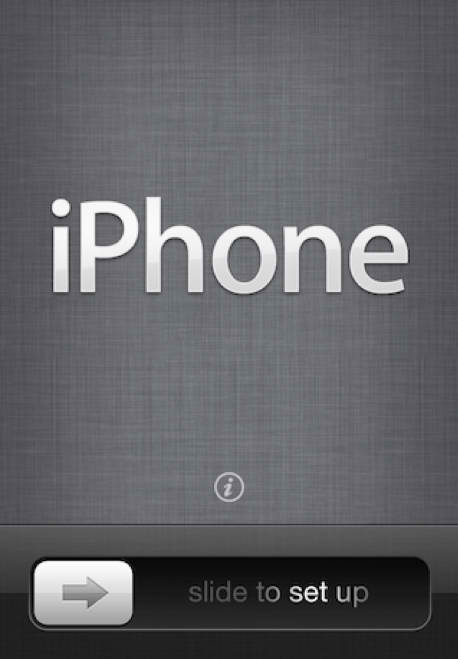
5. After restoring your iPhone, it will automatically turn on and then it will prompt you to set up as a new device.
6. When your device turns back on from restoration, connect your device to iTunes, and when the source list appears, right click your device and click "Restore from back-up.
Hope this guide will help you restoring your iPhone 4S.