

Realtek audio driver problem – XPS 15 laptop
Asked By
50 points
N/A
Posted on - 07/20/2012

Hello guys,
I am using the dell XPS 15 laptop since the last two months now. Recently I installed the Realtek audio driver in my system but I am facing a problem with this software.
There is a button on the top of my keyboard by the name of wavesmaxaudio3. When I press this button, I get an error message on my screen. The screenshot of the error is attached below:
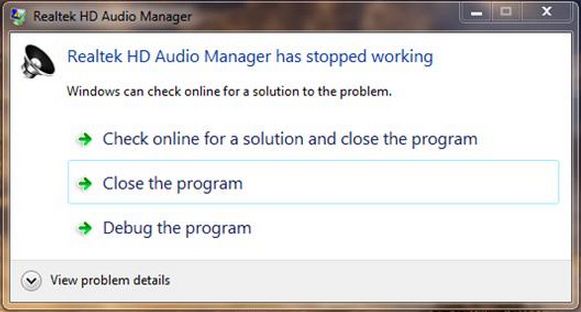
Realtek HD Audio Manager
Realtek HD Audio Manager has stopped working
Windows can check online for a solution to the problem.
-> Check online for a solution and close the program
-> Close the program
-> Debug the program
View problem details
I can't get to the root cause of the problem. I also uninstalled the driver and then reinstalled it again from the official Realtek website but still the problem stands where it was before.
I anyone can please go through my problem and suggest me a solution, I'll be highly obliged.
Looking forward to your replies.
Regards.
Lupin













