Problem Uninstalling Trend Micro and Installing AVG 2012

I am trying to uninstall the Trend Micro on my computer because my license has expired, and I am not renewing my subscription at the moment. I went to Control Panel to uninstall the program. After it was uninstalled, the computer prompted me to restart it which I did for 3 times.
However, it still has not been uninstalled successfully. I tried to uninstall the program through the Programs menu on Start but then again, it was unsuccessful.
I know it is not a problem with the application because I had uninstalled the same program on another computer without any problem. So I decided to just install the AVG 2012 Free version, but it was still unable to install.
Now I am stuck with an unregistered version of Trend Micro which has limited functionalities and I cannot install the free version of AVG 2012. Any suggestion to make both the removal of the Trend Micro and installation of the AVG possible would be appreciated.
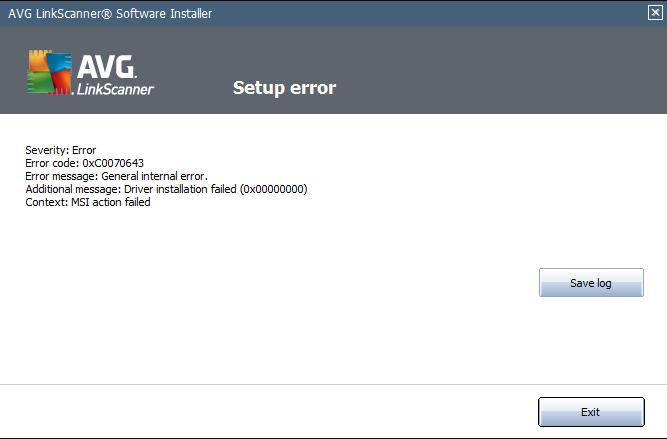
Error:
Severity: Error
Error Code: 0xC0070643
Error Message: General internal error.
Additional Message: Driver Installation failed (0x00000000)
Context: MSI action failed