

Problem with AutoCAD Architecture ?
Asked By
30 points
N/A
Posted on - 09/19/2012

I was trying to install AutoCAD Architecture 2012 on Windows 7 X64, the following 2 errors came up during the installation. Is there a way to prevent this so that I could continue installing it? I’m already logged on as Administrator. Well it is the only account in my computer.
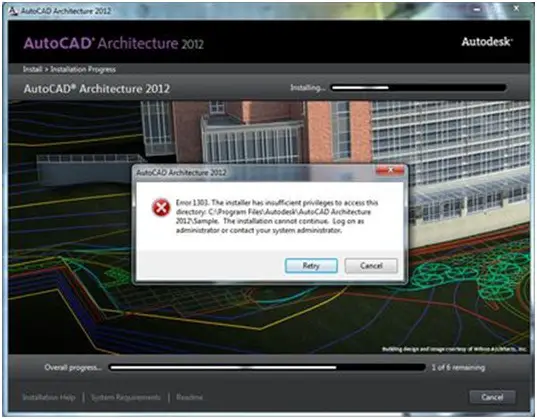
AutoCAD Architecture 2012
Error 1303. The installer has insufficient privileges to access this directory: C:Program FilesAutodeskAutoCAD Architecture 2012Sample. The installation cannot continue. Log on as administrator or contact your system administrator.
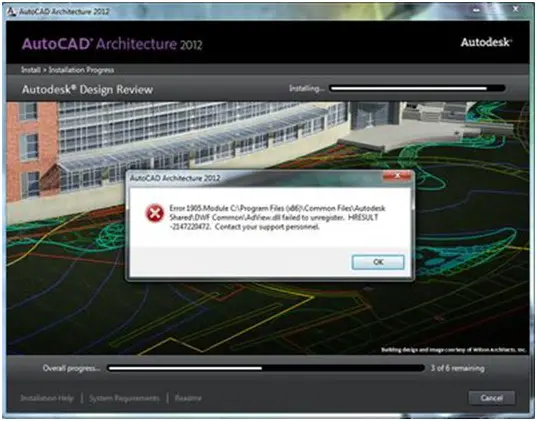
AutoCAD Architecture 2012
Error 1905













