Hi experts,
While I was trying to setup Nero 11, I got the following error box.
It was telling me:
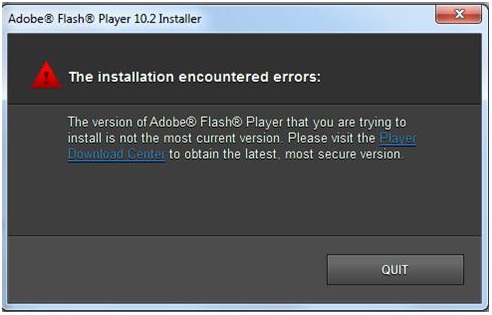
Adobe® Flash® Player 10.2 Installer
The installation encountered errors:
The version of Adobe® Flash® Player that you are trying to
install is not the most current version. Please visit the Player
Download Center to obtain the latest, most secure version.
QUIT
I have also got the link to download the Flash Player in Nero 11 removal entry and also reference division to help you fix Nero 11. What should I do to solve this error? Please help.
Thanks in advance.
Nero 11 – Installation Encountered Errors
Nero has the latest Nero 11 installation package that composed a resolution for this issue. You will just need to alter or re-install the newest Nero 11 and your computer meets the minimum system requirements needed on Nero 11 installation. Download the latest Flash from the Adobe website.
Nero 11 – Installation Encountered Errors
The above error states that the installer for Nero 11 also contains an installer for Adobe Flash Player 10.2 and when trying to install it Adobe refuses this because there's a newer version out. The reason Adobe refuses the installation of a previous version is because of several security issues that have been fixed in the newer one. Thus they urge you to download the latest one.
To get the latest Adobe Flash Player go to: https://get.adobe.com/flashplayer/ and download the latest installer
Once installed, when you try to install Nero 11 again it will not try to install flash player because you already have it.
I hope this helps.