
Dear expert,
I like to learn about QuickBooks system. Can you tell me how to add a vendor (supplier) to the system?
If you can explain me using picture its better.
I want learn something about QuickBooks system. Can help?
Yes I will explain you the way to add a vendor (supplier) to QuickBooks system. Please follow the below steps.
First I assume that you have got all the details about the vendor that you want to enter into the system.
First click on the vendor center icon and type “ Ctrl+N” keys together.
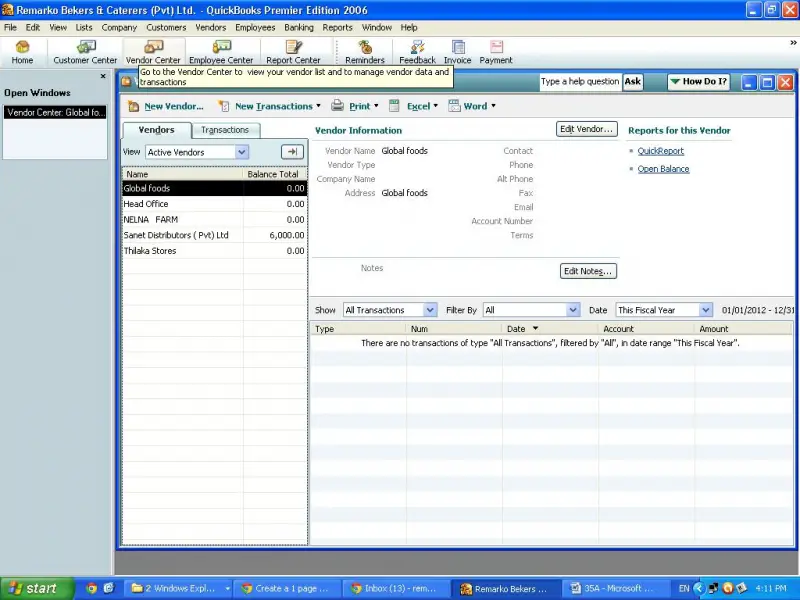
Then a new vendor window will be appeared. Now you can enter the vendor details to each text box which available.
Here I have entered some details as an example.
Vendor name, Address, Phone numbers, etc.
Further, if you want to enter more details you can enter using next tabs. Then click ok. The supplier has been created in the system.















