No of visitors who read this post: 187
Category: Misc Software
Type: Question
No votes yet

Hey guys,

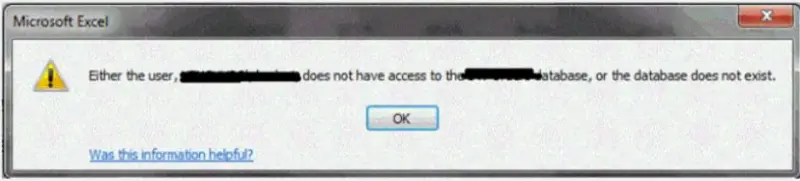
I setup some of excel files to be opened using the SSID authentication made in Sharepoint Secure Store. There is no problem accessing the file in excel web access. Using the web access OOTB web part, the SSID authentication is changed to the default windows authentication. How can I use SSID authentication just for the specified workbook? I just really wanted to use that SSID encryption. A trusted location both in Sharepoint and excel is added, which is the Library files. (please refer to the screenshots)

Microsoft Excel

Either the user,.................................does not have access to the ................database, or the database does not exist.

Was this information helpful?                                                                                       

                                                                                                 OK
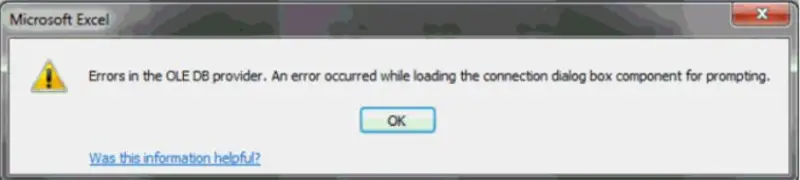
Microsoft Excel

Errors in the OLE DB provider. An error occurred while loading the connection dialog box component for prompting.

Was this information helpful?                                                                                       

                                                                                                 OK

How can I get the workbook?

Hoping that someone could help me regarding this matter.

Thanks.

Comment viewing options

Select your preferred way to display the comments and click "Save settings" to activate your changes.

#

Hi,

This usually happens when the original user of the excel sheet set a username and password. The possible solutions for the problem are:

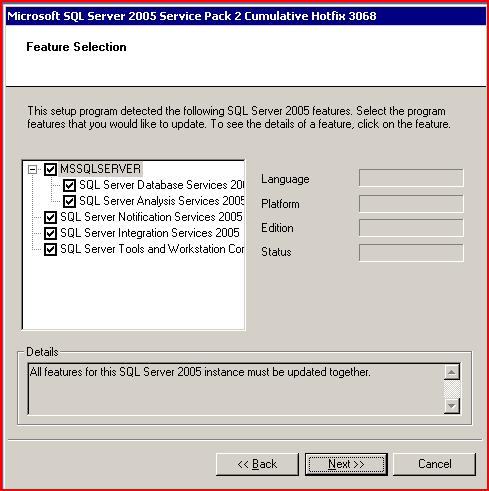
1. Try installing this patch: http://support.microsoft.com/kb/936305. Download it and install it on your computer.

2. Now set the connection to "windows authentication".

3. You could also try the XML analysis parse. It should help.

This problem generally does not occur for the first time. When you try to open the file repeatedly it may occur. These steps should help you solve your problem.