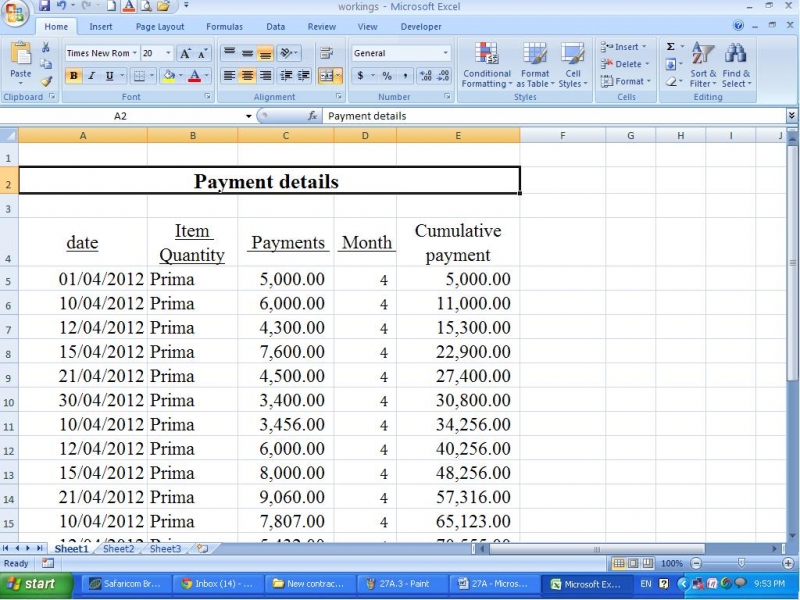
I prepare financial reports from Microsoft excel. There are many headings in those reports. My problem is it is very difficult to place these headings in the center of the page. Can somebody give me a solution for this?
How to center a headings Ms excel?
At Microsoft excel it is somewhat difficult to center and statement or headings compared to the Microsoft word. However, I will give you a way to center headings in excel. Please refer the following example.
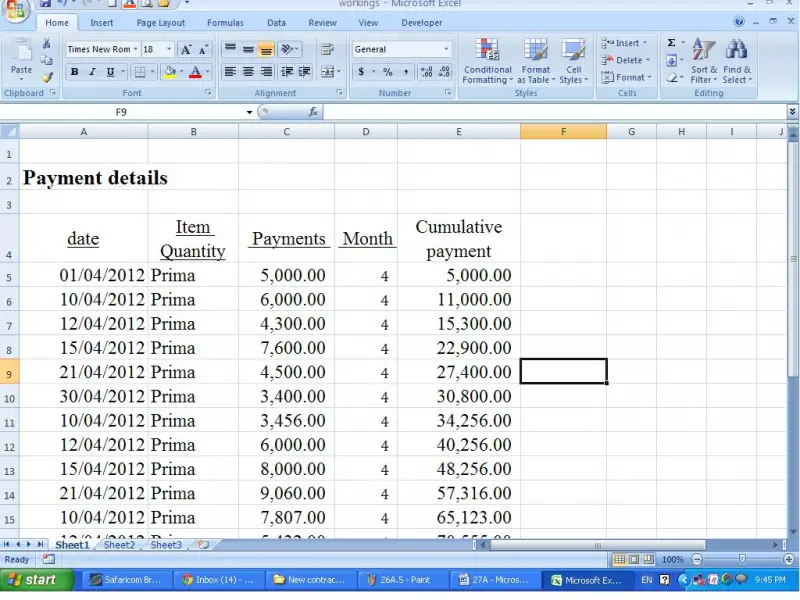
In the above image we will learn how we can center the heading on the page.
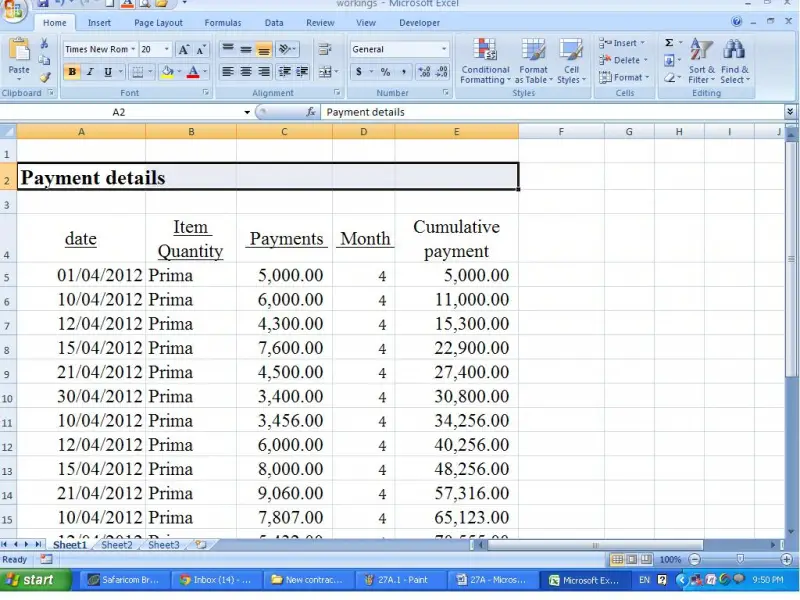
First click on the cell which include the heading and select the next cells on right up to the end of details as follows.
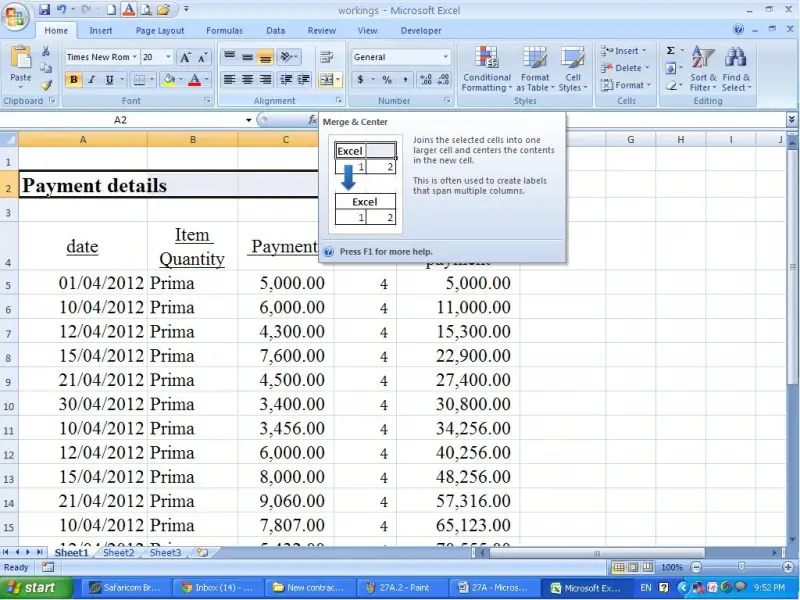
Then click on the merge cell icon on the alignment section. (It is in home tab).
Now you can see that the heading is centered in the page as follows.