
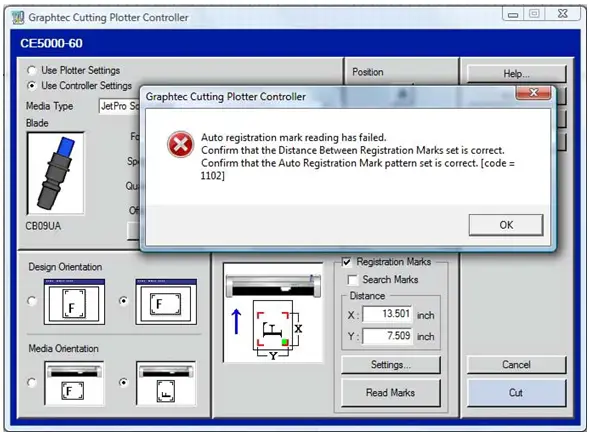
I have had this problem for two days already and still getting an error message. The error I am getting appears when the Graphtec Controller searches for any registration marks.
I am quite new to this stuff and still exploring things. With your help I would be able to resolve this issue in no time. Thank you for your usual assistance on this matter.
Error:
Auto registration mark reading has failed.
Confirm that the Distance Between Registration Marks set is correct.
Confirm that the Auto Registration Mark pattern set is correct. [code =
1102]
Graphtec Cutting Plotter Controller error with registration marks
Good day to you!
I have extensively researched your query and come up with the following suggestions:
First of all you should do what the error message says and ensure that the Distance between Registration Marks set is correct and also the Auto Registration Mark pattern set is correct.
Also make sure that there is no problem with alignment.
Here is a step by step procedure I found useful:
Print out a graphic, ensuring that all the 3 registration marks are shown on the printed page. You could need to check the paper size and/or reset the origin to ensure all 3 marks print out on the paper as desired. The important thing is that you need to make sure these files have registration marks that are set especially matching your printer. After that, roll the paper into the cutter, and center the black marks between the white rollers. Then carefully roll the paper back out just a little until the black Registration mark can be seen in front of the blade.
Now it should run just fine!















