Asked By
evelyndnell
10 points
N/A
Posted on - 08/11/2012

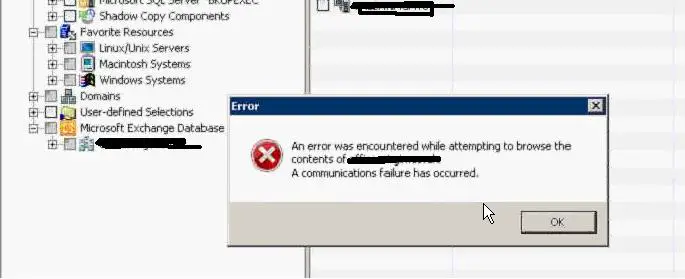
I want to browse Exchange 2010 DAG from the Exchange Icon but that generates an error message “An error occurred while attempting to browse the contents of (domain name.local) A communication failure occurred.
I can only select the DAG if I add it under the user defined section.
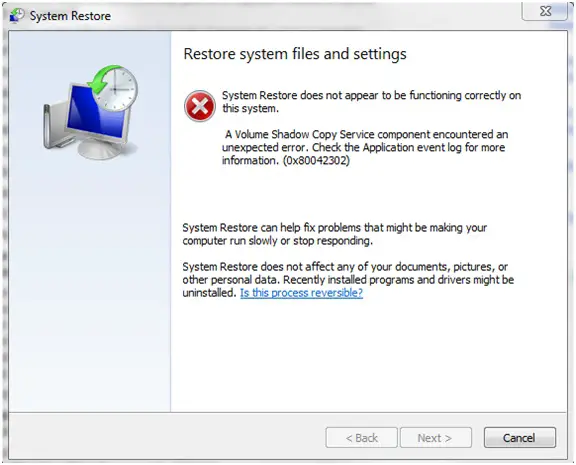
System Restore
Restore system files and settings
System Restore does not appear to be functioning correctly on this system.
A Volume Shadow Copy Service component encountered an unexpected error.
Check the Application event log for more information. (0x80042302) System Restore can help fix problems that might be making your computer run slowly or stop responding. System Restore does not affect any of your documents, pictures, or other personal data.
Recently installed programs and drivers might be uninstalled. Is this process reversible?
Back Next Cancel What should I do to fix this so that I can access my files?
Answered By
Amy Shum
5 points
N/A
#140378
Exchange 2010 DAG – Error Message
You are facing this error message because of adding a new node via Exchange DAG. The Forest usually seeks for older values of DAG (host). To get fix this issue, point to backup windows and select Microsoft Database base Available Group. Now select Manage Forest, find the old Forest Entry and add a new DAG name. This will surely help you get fix the issue.
Exchange 2010 DAG – Error Message
Hello Evelyn,
Cause of the error:
In the event that the exchange DAG was rebuilt, or the node was replaced using a different node, then the issue you are getting is as a result of backup exec Forest entry still having access to the old DAG entry of the host.
The following is the resolution to it:
-
You will need to locate the backup window.
-
You will then right click on the Microsoft Exchange Database base Availability Group.
-
Next you will choose manage forest.
-
And then you will get rid of the old forest entry.
-
After that you add a new DAG name.
Regards,
Carl